

Picture this scenario: You are sitting at a small table in a crowded airport café. You have just wrapped up an off-site client meeting, and spread across the table are three handwritten pages of notes, a signed nondisclosure agreement, and a crumpled coffee receipt. Your accounting department needs the receipt, and your project manager needs the signed NDA and notes—preferably combined into a single, clean file. Your flight boards in twenty minutes. You pull out your phone, snap a few photos, and suddenly realize the lighting is terrible, the angles are skewed, and the files are too large to email quickly. You are now scrambling to find a reliable way to convert these images, crop out the table background, and merge them before you lose your Wi-Fi connection.
This panic is entirely avoidable, yet it happens thousands of times a day. As a full-stack developer specializing in file management infrastructure, I spend a lot of time analyzing how data moves between physical environments and cloud storage. What I see most often is a massive disconnect between the hardware capabilities of our phones and the software workflows we choose to rely on.
The Current Reality of Mobile Productivity
People are relying on mobile devices more heavily than ever for serious work. The data backs this up. According to Adjust’s recently published Mobile App Trends 2026 report, global mobile app sessions increased by 7% year-over-year in 2025, with app installs growing by 10%. Consumer spending in the app ecosystem reached a staggering $167 billion. Interestingly, the report also notes that iOS users' tracking opt-in rates rose to 38% in the first quarter of 2026, indicating a growing trust in mobile platforms when they deliver genuine value.
But increased usage does not automatically translate to increased efficiency. The Adjust report highlights a crucial takeaway for 2026: the "AI hype" is settling down, and growth is now driven by operational discipline and integrated architectures rather than flashy, standalone features. In the context of document handling, this means users no longer want to juggle one app to scan, another to crop, and a third to edit. They want a cohesive system.
The Problem with the "App-Hopping" Routine
When you need to digitize physical documents, the instinct is often to search the app store for a free scanner app, grab the first result, and hope for the best. This usually leads to a fragmented workflow. You might capture an image, but then realize you need a separate photo-to-PDF tool to change the format. If you need to rearrange the pages, you suddenly find yourself looking for a dedicated PDF editor or an online PDF converter.
This disjointed process is what I call the app-hopping trap. It introduces unnecessary friction, reduces file quality, and often exposes your sensitive documents to third-party web servers if you resort to free browser-based converters. Whether you are trying to prep a contract for DocuSign or format a text draft to export into Microsoft Word, passing a single file through three different applications is a recipe for formatting disasters and lost time.
Treating Scanning as Photography: A Core Mistake
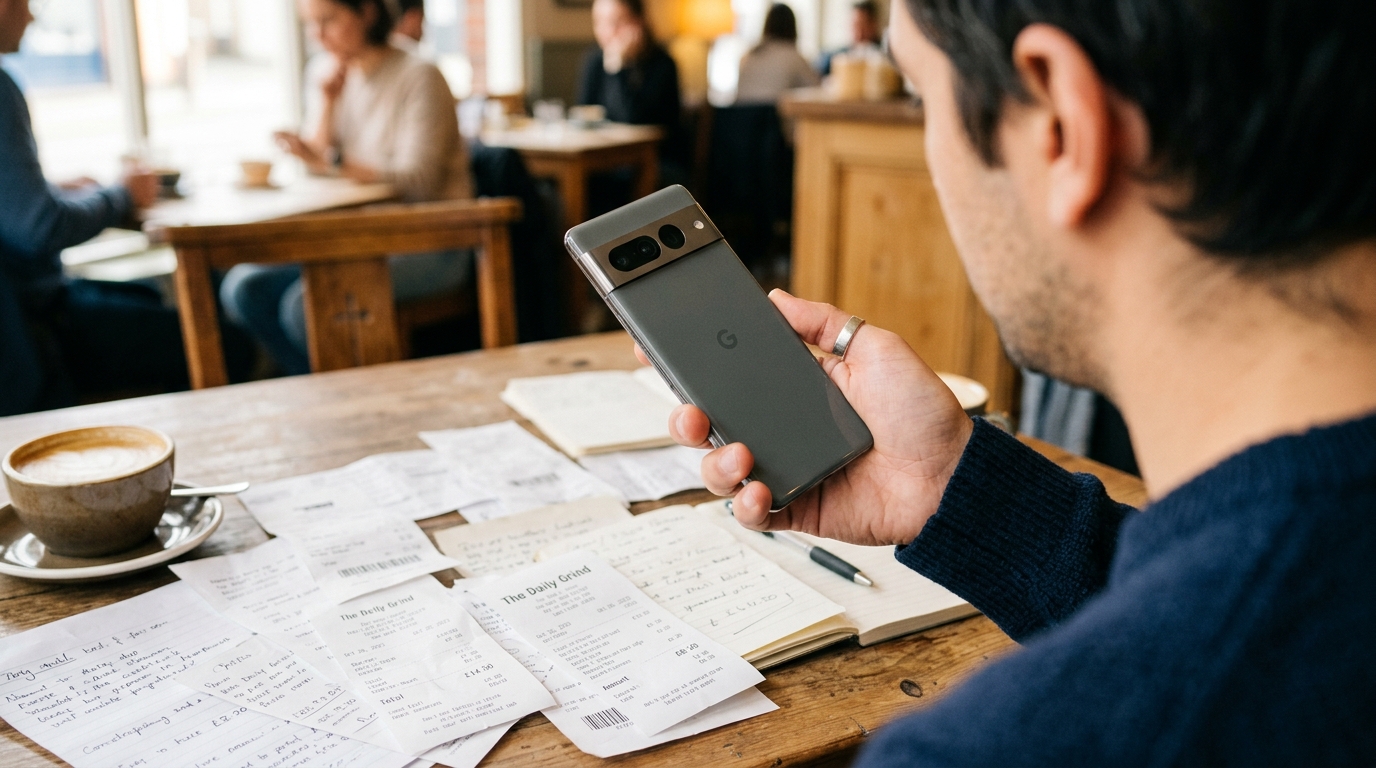
One of the most common errors I observe is treating document scanning as standard photography. A standard camera app captures light and color; a dedicated PDF scanner interprets text and geometry. When you just take a photo of a document, you capture the shadows of your hand, the texture of the desk, and the geometric distortion of the camera lens.
A professional mobile document scanner is a unified utility that bridges the gap between physical paper and digital workflows, allowing users to capture, automatically enhance, crop, and compile documents into standardized digital formats without requiring multiple software transitions. The software should analyze the contrast, locate the corners of the paper, and flatten the perspective automatically.
Evaluating Your Document Workflow
So, how do you choose a setup that actually works under pressure? Based on years of building secure data pipelines, I recommend evaluating your mobile scanning tools against a few strict criteria:
1. On-Device Processing
Your app should perform its core functions—like edge detection, cropping, and generating the final PDF—locally on your device. Relying on cloud processing for a simple scan-to-PDF task means you are entirely dependent on a strong internet connection. For professionals handling sensitive contracts, local processing is also a non-negotiable privacy requirement.
2. Native Merging and Editing
If you scan five pages, you need the ability to reorder, delete, or rotate specific pages before finalizing the document. The ability to merge files within the capture environment saves massive amounts of time. You shouldn't have to export files to your desktop just to combine them.
3. Practical Export Formats
While PDF is the standard for final presentation, you might occasionally need a standard image file or a basic DOC format. The right tool gives you options without complicating the interface.
When developing mobile applications at Codebaker, we prioritize this exact kind of unified experience. You want software that acts as a silent partner, handling the technical processing so you can focus on the actual content of your paperwork.
Contextualizing the Tools You Need
It is important to understand that comprehensive desktop software like Adobe Acrobat has its place, particularly for complex desktop publishing or intricate form creation. However, trying to replicate that heavy desktop experience on a mobile phone while waiting for a flight is overkill.
Similarly, searching for a niche tool like an invoice maker might solve one specific problem, but a versatile scanner allows you to digitize, annotate, and send existing invoice templates just as effectively, keeping your digital toolbox lean.
This is precisely where Scan Cam: Docs PDF Scanner App fits into the equation. It is designed specifically as a professional document scanner and PDF management tool tailored for mobile environments. It combines intelligent edge capture, perspective correction, and multi-page compilation into a single workflow. If you want to eliminate the friction of switching apps just to get a clean, professional document, Scan Cam's local processing architecture is engineered to deliver exactly that.
Who Benefits Most from a Unified Approach?
Not everyone needs the same setup. To be clear, who is this kind of mobile-first workflow NOT for? It is not for enterprise archiving departments that need to process thousands of historical records per hour; those situations require dedicated flatbed hardware and batch-processing software.
However, it is built exactly for freelancers, traveling sales teams, real estate agents, and students. It is for anyone who frequently finds themselves away from a traditional desk, needing to turn physical receipts, whiteboard sketches, or multi-page contracts into shareable, high-quality digital assets.
As my colleague Melis Doğan outlined in her guide on escaping document chaos, taking control of physical clutter requires a reliable system. When your system is reliable, the anxiety of handling paperwork disappears.
Final Thoughts on the Digital Transition
The transition from a stack of paper to a well-organized digital archive shouldn't feel like a chore. As the 2026 Adjust data suggests, we are moving past the era of disjointed, single-purpose apps into an era of functional, mature platforms. We expect our tools to respect our time and our data privacy.
Stop settling for blurry photos and frustrating file conversions. By choosing a unified tool that respects the mechanics of true document scanning—handling the capture, the correction, and the compilation all at once—you protect your time, secure your data, and ensure that whether you are at an airport café or a client's office, your paperwork is always handled professionally.