
Are you still juggling five different mobile tools just to capture, crop, and send a signed contract to a client? In 2026, a modern mobile document workflow is defined as an integrated system that captures, compresses, and secures physical paperwork into digital formats directly on your device, eliminating the need for fragmented desktop software. In my daily work testing privacy-first VoIP systems and secure second phone number architectures, I spend a considerable amount of time analyzing how data moves. Whether you are routing an encrypted voice call or digitizing sensitive legal files, the friction points are remarkably similar: unnecessary complexity leads to user fatigue and compromised security.
The mobile economy is accelerating faster than our traditional habits can keep up. According to the Adjust Mobile App Trends 2026 report, global app sessions increased by 7% last year, and overall consumer spending reached a staggering $167 billion. Yet, as our reliance on mobile devices peaks, our patience for clunky utilities is disappearing. Market analytics highlight a harsh reality: 70% of users will delete a slow or poorly optimized application after a single use. We expect native performance, intelligent automation, and immediate results.
If you are still capturing receipts with your standard camera app, emailing them to yourself, and opening a heavy desktop PDF editor just to compile an expense report, your workflow is fundamentally broken. Here is a practical, step-by-step guide to modernizing how you handle documents this year.
Who is this workflow transition for?
Before modifying your daily routines, it is critical to align the tools with your actual requirements. This step-by-step transition is specifically designed for freelancers, remote consultants, and small teams who handle daily invoices, contracts, and receipts on the go. These users need speed, reliable offline functionality, and intuitive file organization.
Conversely, who is this NOT for? If you work for an enterprise conglomerate that requires batch-processing thousands of archived pages through a massive, server-side OCR software suite, a mobile-first architecture will not replace your centralized desktop infrastructure. Mobile scanning workflows prioritize agility and localized privacy over industrial-scale bulk processing.
Step 1: How do you identify bottlenecks in your current file management?
The first phase of upgrading your document architecture is auditing your existing habits. Open your smartphone's default photo gallery. If you see an unorganized mess of tax documents, handwritten notes, and utility bills mixed in with your personal photos, you are experiencing the primary symptom of a fragmented workflow.
Many professionals mistakenly believe they need a full suite like Adobe Acrobat or Microsoft Word just to handle basic paperwork on a phone. In reality, forcing heavy text-editing software to perform simple capture tasks drains your battery and wastes time. When you need to quickly scan a document, the goal is getting from physical paper to a clean, shareable file in seconds. If your current process involves searching for a dedicated photo to PDF converter online just to combine two pages, you have identified a major bottleneck.
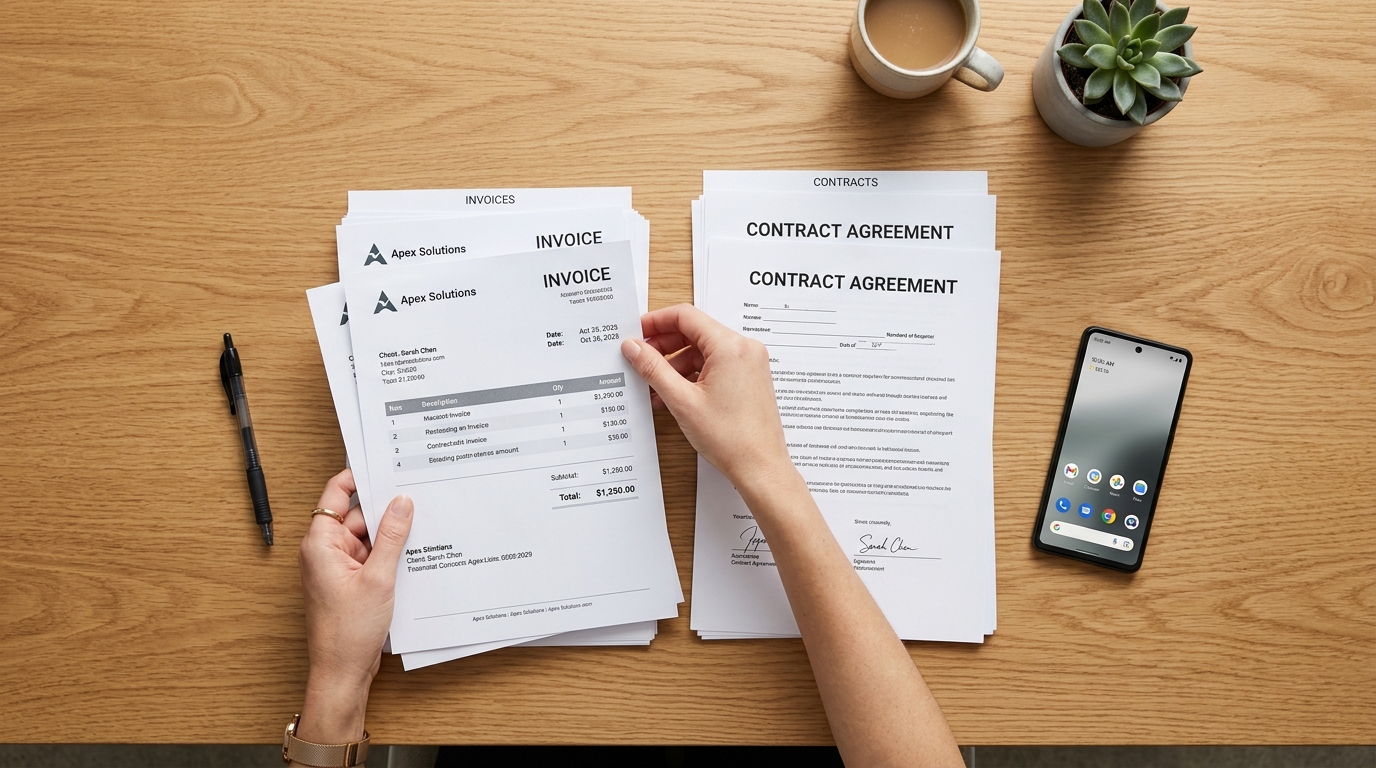
Step 2: Why should you prioritize native speed over bloated features?
As the Adjust 2026 report emphasizes, the era of relying on a single campaign or a fragmented toolset is ending; growth and productivity now depend on unified, multi-platform architecture. When selecting a scanner application, native speed is your most valuable metric.
Heavy, generic alternatives often try to be everything at once—a word processor, a cloud drive, and an editing bay. A dedicated PDF scanner strips away the excess. You do not need a bloated PDF editor to crop a receipt. As my colleague Cem Akar recently mapped out in his analysis of the app economy, isolated and bloated scanning tools are rapidly losing ground to lean, purpose-built platforms. You want an application that opens instantly, identifies the edges of the paper, and processes the image locally without requiring an internet connection.
Step 3: What role does privacy play when you scan to PDF?
This is where my background in secure communications strongly overlaps with file management. When you use a generic, ad-supported scanner app free of charge, you often pay with your data. Many rudimentary applications upload your sensitive files to third-party servers for processing before sending the converted doc back to your phone.
Consumers are becoming highly aware of this data exchange. The Adjust report notes that App Tracking Transparency (ATT) opt-in rates among iOS users rose from 35% in early 2025 to 38% by Q1 2026. People are paying closer attention to app permissions. When you digitize a signed contract or a medical record, that data should be processed locally on your device hardware. Selecting a tool with a privacy-first architecture ensures that your files remain strictly under your control until you explicitly share them via email or an electronic signature platform like DocuSign.
Step 4: How can AI infrastructure streamline your daily scans?
We are witnessing a massive transition in how artificial intelligence is deployed. The 2026 industry data confirms that AI is moving from being a novelty "strategic tool" to becoming the foundational infrastructure of everyday applications. In the context of digital paperwork, this means the end of manual formatting.
A modern workflow utilizes AI to automatically detect document boundaries, correct skewed perspectives (functioning much like a smart lens), and enhance text contrast so the final output looks like it came from a flatbed scanner rather than a phone camera. If you frequently need to merge multiple pages into a single file, AI-driven sorting can automatically arrange them chronologically. You no longer have to manually rotate every single page or adjust the brightness sliders.

Step 5: What is the best way to consolidate your app ecosystem?
The final step is actively deleting the redundant utilities taking up storage on your device. You do not need a separate invoice maker, an isolated PDF converter, and a standalone app just to apply a digital signature. Consolidation is the key to mobile productivity.
If you want to achieve this level of streamlined efficiency, Scan Cam: Docs PDF Scanner App is designed specifically for that purpose. It acts as a unified hub, allowing you to scan, compress, and organize your paperwork without bouncing between different interfaces. By operating as a mobile app company dedicated to focused utility, the development ensures you aren't overwhelmed by unnecessary features when you just need to get a clean file to your accountant.
Frequently Asked Questions About Modern File Workflows
To summarize the transition, here are a few common questions I receive when consulting on digital workflow optimization:
Is it actually necessary to use a dedicated app instead of my phone's camera?
Yes. Standard cameras capture images in JPG or HEIC formats, which lack standard A4 dimensions, retain harsh shadows, and produce massive file sizes. A dedicated scan tool converts the image into a flattened, heavily compressed format that is universally accepted by professional organizations.
How do I handle documents that require immediate editing?
If you capture a document and notice an error, a proper unified application will allow you to run text recognition or apply minor corrections on the spot. Serkan Eren highlighted this beautifully in his recent breakdown of scanning myths: raw photos trap your data, while properly captured PDFs keep your information flexible and usable.
Does a high-quality scanner app require a permanent internet connection?
No. The most secure and reliable tools process edge-detection and cropping locally on your device processor. This means you can digitize a physical contract while on a flight or in a remote location with zero cellular reception.
By following these steps to audit, optimize, and consolidate your digital tools, you protect your privacy while dramatically reducing the friction of daily administrative work. Stop fighting your mobile architecture and start letting intelligent workflows handle the heavy lifting.