
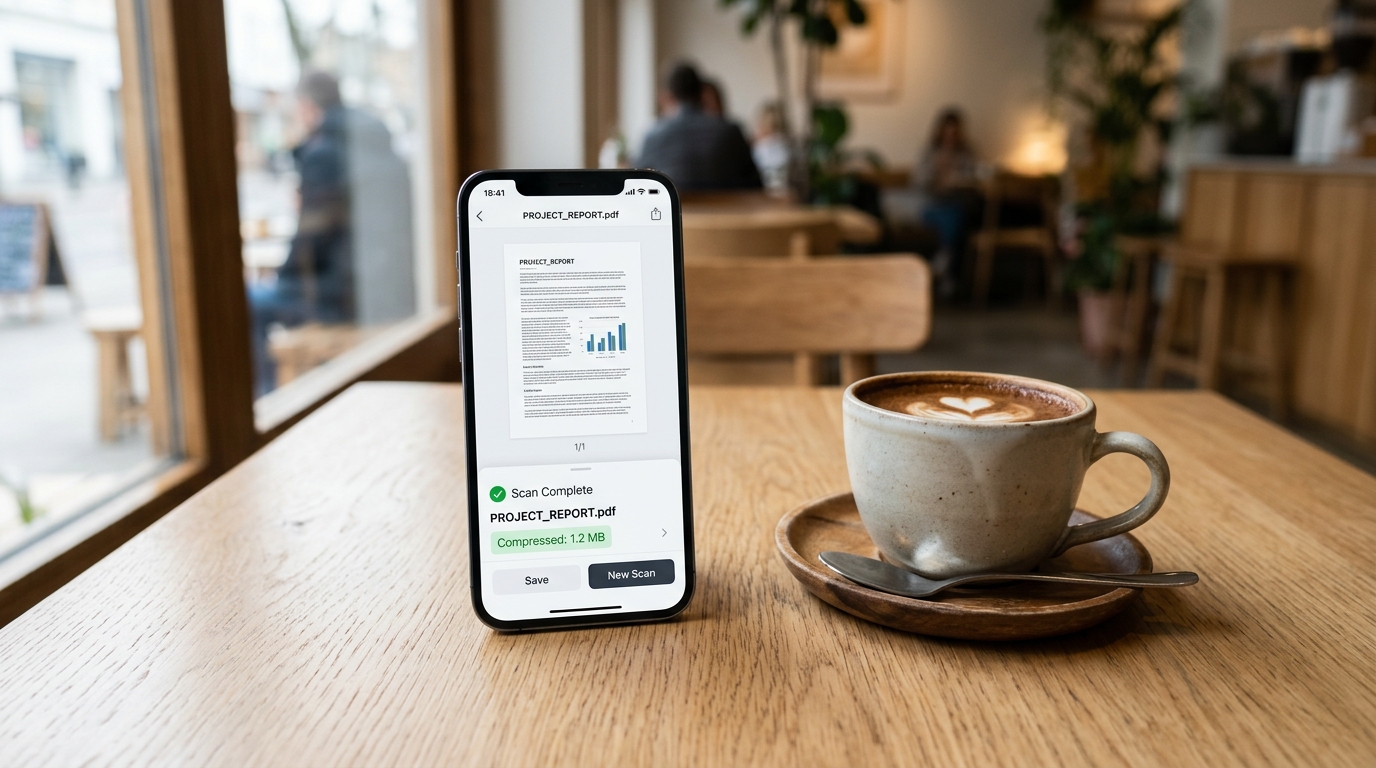
Last month, I sat with a freelance financial consultant at a busy downtown café, conducting a simple user observation session. She was trying to email a portfolio of expense receipts to a client using her phone’s cellular network. Because she had individually photographed fifteen different paper receipts, the resulting attachment was a bloated 35MB monster. Her email app stalled, the connection timed out, and she ultimately had to abandon her table to hunt down a public Wi-Fi network just to deliver a routine invoice. This is a classic mobile productivity failure I see constantly in my UX research: capturing the paperwork is easy, but transmitting it is a nightmare.
As professionals rely more heavily on their mobile devices to run their operations, the invisible friction of file size becomes a critical bottleneck. You might have the sharpest camera on the market, but if your resulting files are too heavy to share, your workflow is fundamentally broken.
Understand the True Cost of Bloated Document Files
We are operating in a remarkably fast-paced transactional economy. According to recent finance applications insights from 2024, global finance apps saw billions of downloads last year, with users spending a staggering amount of time on these platforms. Digital wallets and instant payment networks are scaling rapidly, driving a massive surge in global payment revenue.
Fast money requires fast documentation. Yet, while financial transactions happen in milliseconds, the paperwork supporting them lags behind. Mobile app trends highlight a crucial shift: "data-light" user behaviors are rapidly gaining momentum. Users are optimizing for low data consumption, and this directly impacts how we manage our files. If you are trying to attach massive, uncompressed images to an expense report, you are working against the current of modern mobile efficiency.
A data-light document workflow is a mobile filing system that optimizes scanned photos into highly compressed, text-searchable PDFs, reducing file size drastically without losing readability. Implementing this approach ensures reliable transmission over weak cellular networks and preserves valuable device storage.
Adopt a Purpose-Built Scanning Architecture
The core of the problem stems from how modern smartphones process imagery. Phone cameras are engineered for photography—they prioritize deep color profiles, high megapixel counts, and dynamic range. While fantastic for portraits, these attributes create massive file sizes that are entirely unnecessary for black-and-white receipts or typed contracts.
This is exactly why we completely overhauled the processing engine in Scan Cam: Docs PDF Scanner App to feature a new Smart Compress & Merge system. This app is a professional document scanner and PDF management tool designed to digitize files offline for effortless sharing. The new feature doesn't just crop an image; it fundamentally alters the data structure.
When you scan a piece of paper, the app strips away irrelevant color data, enhances text contrast, and applies aggressive intelligent compression. This streamlined approach is built specifically for freelancers, field workers, and small business owners who rely on mobile networks. It is not designed for graphic designers or archivists who require lossless, high-res image retention for historical artwork.
Stop Relying on Fragmented Desktop Alternatives
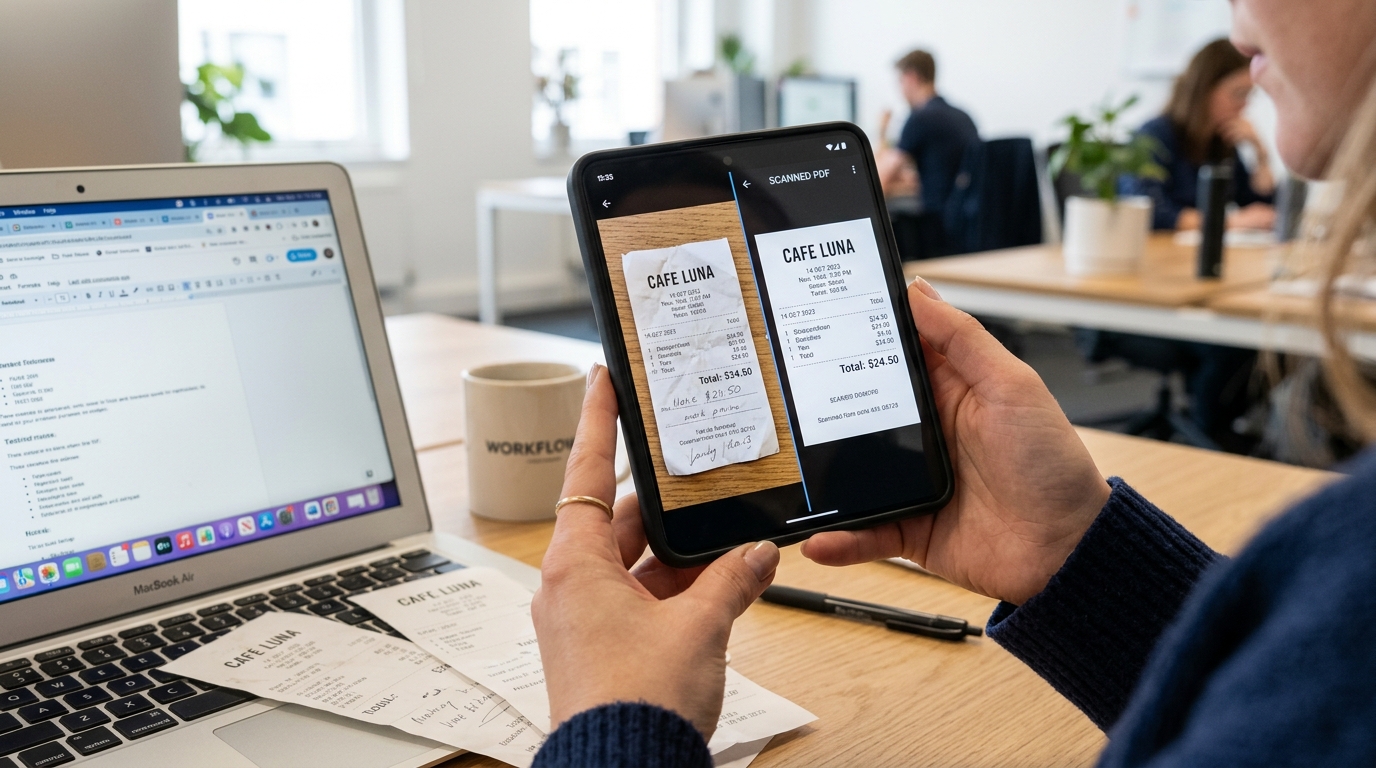
I frequently interview users who have developed complicated workarounds to manage their paperwork. A typical scenario involves using a default camera app, searching online for a random photo to PDF website, realizing the file is too big, and then emailing it to themselves to shrink it down on a computer.
You shouldn't have to bounce between a standalone PDF converter, a separate utility to merge pages, and a heavy desktop suite like Adobe Acrobat just to finalize a document. When you string together isolated tools—perhaps experimenting with Lens, downloading a generic scanner app free trial, or testing out Genius Scan—you introduce friction at every transition point.
By capturing documents through a native PDF scanner equipped with integrated compression, you bypass the desktop entirely. You can take ten different files, instantly combine them into a single PDF, and ensure the final footprint remains under a few megabytes. As my colleague Cem Akar has often noted in our research sessions, isolated tools are losing ground to consolidated architectures that handle the entire lifecycle of a document.
Streamline Your Client Handoff Process
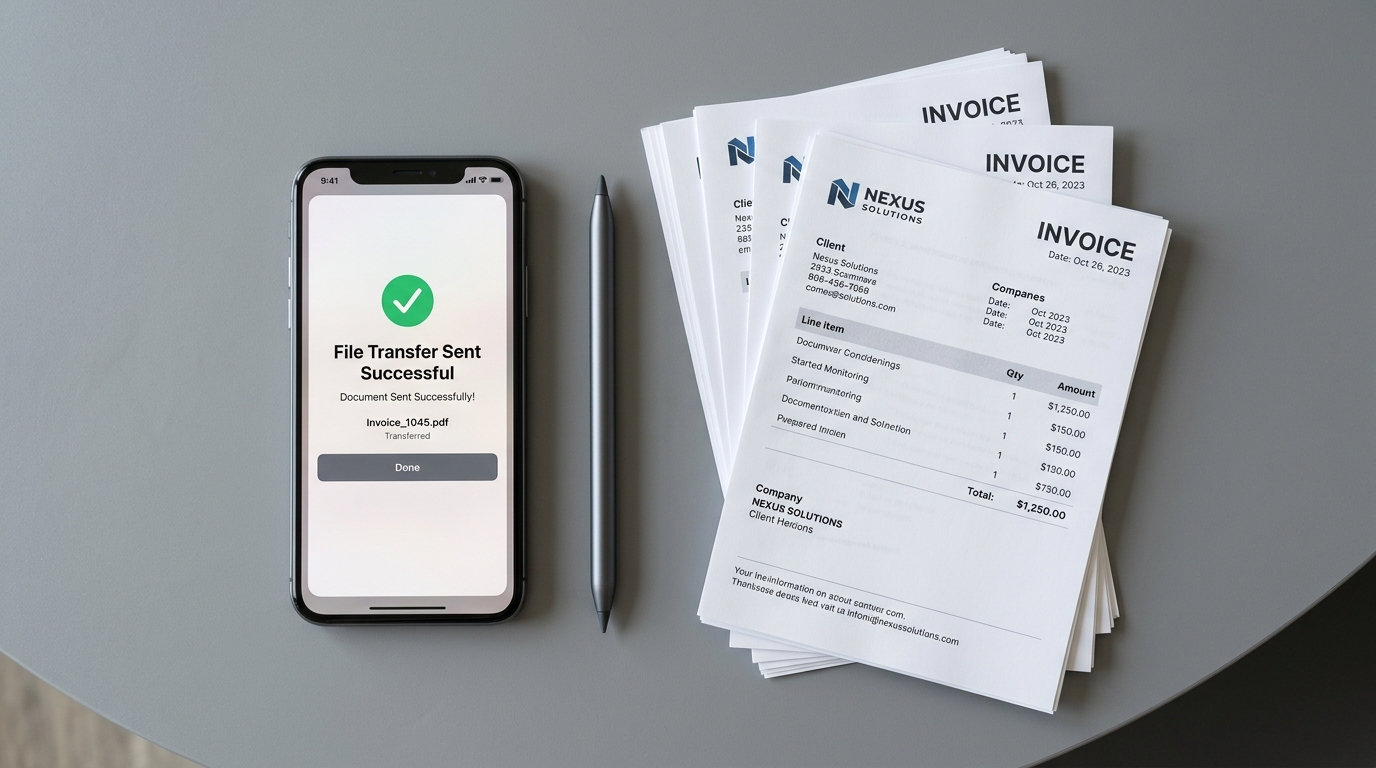
The true value of optimized document management reveals itself during client interactions. When an independent contractor finishes a job, the invoicing process should take seconds, not hours.
Consider the typical end-of-month administrative push. You need to gather expense receipts, prepare an invoice, and perhaps get a sign-off on a timesheet. If you use a dedicated invoice maker, it likely expects a clean, lightweight attachment. If you need to route a contract for digital signatures through a platform like DocuSign, strict file size limits often apply.
With Smart Compress & Merge, the workflow is linear and efficient. You capture the pages, the app intelligently optimizes the scan to PDF process, and you instantly share the finalized package. If the client needs the text in a different format, a well-structured PDF can easily be exported to Microsoft Word without crashing the application due to overloaded image layers. You don't need a heavy PDF editor to manage daily paperwork; you need an intelligent capture tool that gets the formatting right from the start.
Evaluate Your Current Document Toolset
To determine if your current setup is helping or hindering your productivity, it helps to ask a few practical questions about your daily routine.
How does heavy compression affect scan quality?
A common fear is that making a file smaller makes it illegible. However, modern scanning engines prioritize text contrast over pixel density. By converting a complex color photograph into a high-contrast monochromatic or optimized grayscale document, written information remains razor-sharp even when the file size drops by 80%.
Can I edit the merged files later?
Yes. When you use a proper document architecture, the resulting file is a true PDF, not just a flattened image wrapper. This means you can still reorder pages, extract specific sheets, or run text recognition processes on the documents later down the line.
Does this workflow require constant internet access?
Many online tools require you to upload your sensitive paperwork to a remote server just to compress or merge it. A solid mobile architecture performs all processing locally on your device, protecting your privacy and allowing you to finalize files whether you are in an office or on a remote job site with zero cellular reception.
Build a Sustainable Routine
The underlying lesson from our user research is clear: efficiency is no longer about having the most complex software; it is about removing the barriers to execution. Massive files are a barrier. Clunky conversion steps are a barrier.
If you want to ensure your administrative tasks never delay a client payment or stall a project, establishing a reliable, low-data method for your paperwork is essential. By treating your mobile device as a true professional workstation rather than just a digital camera, you can reclaim hours of lost time and focus on the work that actually matters.