
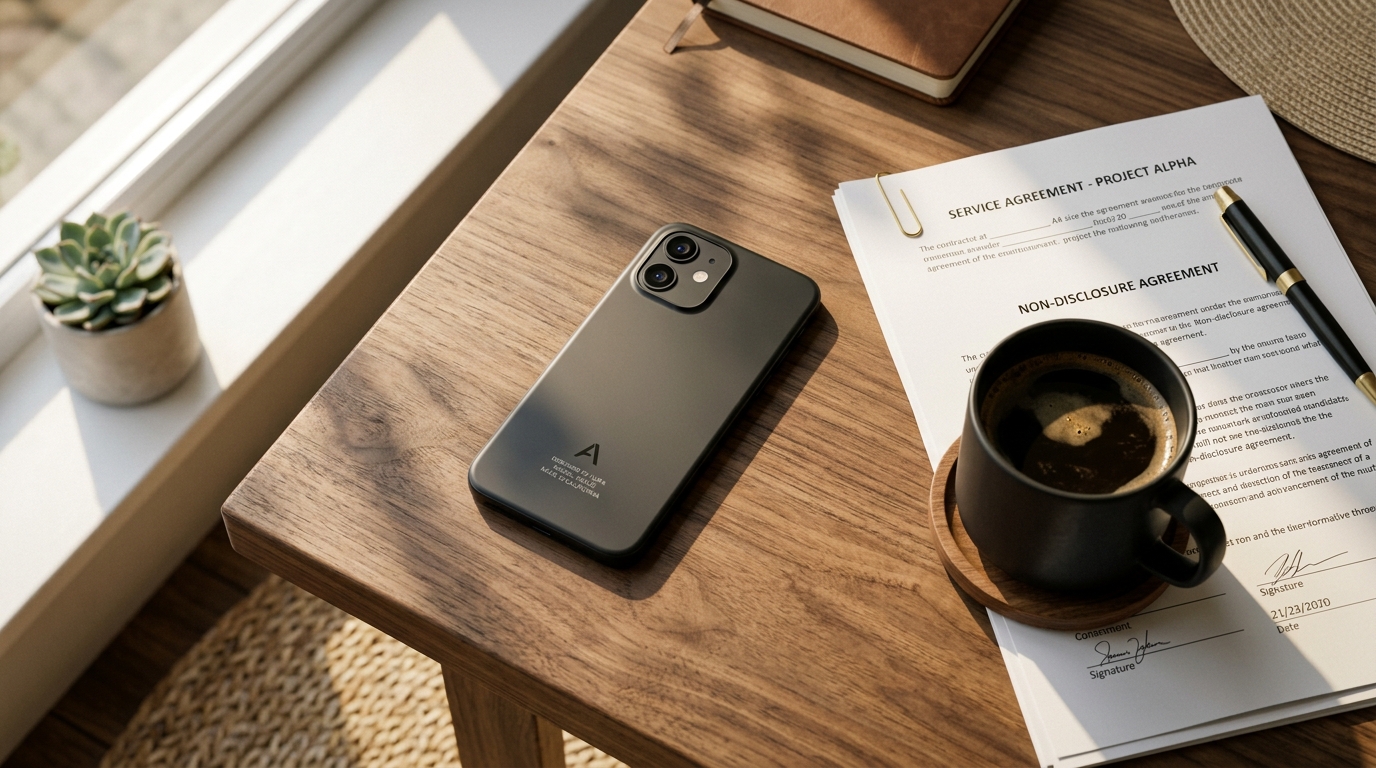
Are you still trying to manage your professional paperwork with an outdated mix of random apps and cluttered camera rolls? Modern file management requires a centralized, privacy-first platform—like Scan Cam: Docs PDF Scanner App—to capture, organize, and format your paperwork without relying on external cloud processing. In my daily work analyzing secure communications, VoIP systems, and secondary phone numbers, I constantly see professionals lock down their digital calls, only to leave their physical documents vulnerable by using fragmented, unverified scanning workflows.
It is time to look past the marketing and separate fact from fiction. Let's break down the most common misconceptions about digitizing physical media and look at what the latest user behavior data actually tells us about handling our files.
Why do we still believe the smartphone camera alone is enough?
The Myth: Taking a high-resolution photo of a contract is exactly the same thing as creating a digital document. You just snap it and save it to your gallery alongside your weekend photos.
The Reality: A raw photograph is structurally flawed for professional use. It lacks perspective correction, suffers from shadow distortion, and results in bloated file sizes that bounce back from email servers. When you need to send a doc, a standard photo simply does not behave like a proper, optimized file.
According to the 2026 Digital Consumer Trends report by Deloitte Ireland, 95% of adults now own smartphones, and these devices are rapidly evolving into primary digital hubs for identity, payments, and sensitive personal data. Storing images of tax forms or client contracts in a generic photo gallery is a massive privacy oversight. A dedicated PDF scanner isolates these documents from your personal media. Furthermore, transitioning from a basic photo to PDF requires an intelligent PDF converter that understands text contrast and edge detection, ensuring the final output is legible and secure.
Isn't any free scanner app basically the same?
The Myth: If you search for a "scanner app free" option on the app store, the first result will handle everything you need. All software in this category uses the same underlying technology.
The Reality: The gap between a consumer-grade utility and a professional document architecture is vast. Many generic apps are laden with intrusive ads, aggressive data-harvesting trackers, and slow processing engines. In fact, 2026 mobile trends data published by industry analysts reveals a harsh truth: 70% of users immediately delete slow applications on their very first use. Performance and speed are non-negotiable.
When users test tools like Genius Scan or Microsoft Lens, they are looking for specific workflow improvements. However, a tool like Scan Cam: Docs PDF Scanner App is specifically designed as a professional document scanner and PDF management tool. It prioritizes offline edge-processing to ensure high-speed capture without forcing you to upload sensitive files to an external server. Just as a privacy-first VoIP app keeps your caller ID safe, a localized scanner protects the data within your paperwork.
Must we juggle multiple tools just to edit, sign, and send?
The Myth: You have to use one app to scan to PDF, export the file to an invoice maker to add billing details, open it in Adobe Acrobat to review, and finally upload it to DocuSign just to get a signature.
The Reality: Workflow fragmentation destroys productivity. You do not need four separate applications to handle one piece of paper. The industry is moving heavily toward unified hubs. A comprehensive PDF editor should allow you to handle these steps natively.
The 2026 Mobile App Trends report from Adjust highlights that AI technology has shifted from being a mere strategic option to absolute core infrastructure. Modern tools utilize intelligent detection to instantly crop, clean, and merge multi-page documents the moment you capture them. As Cem Akar noted in his detailed analysis of how the 2026 app economy shift is rewriting document management, isolated tools are rapidly losing ground to integrated platforms that require fewer screen taps.
How do you choose a document architecture that fits real work?
The Myth: More features automatically equal a better application. The ideal software should have complex enterprise menus and heavy cloud integrations.
The Reality: Utility software should be invisible; it should solve the problem and get out of your way. When evaluating a scanner, the selection criteria should be straightforward:
- Speed of Capture: Can you open the app and capture a page in under three seconds?
- On-Device Processing: Does it process the image locally, or does it require an active internet connection?
- Export Flexibility: Can it format files cleanly for software like Microsoft Word without destroying the layout?
This is where understanding your audience matters. Scan Cam is built for freelancers, students, and agile small teams who need fast, reliable digitization. It is designed for the active professional managing documents on the move rather than massive corporate archiving departments.

What are the most practical ways to start organizing your files?
The Myth: Digitizing your life requires spending hours scanning historical boxes of paperwork in one grueling weekend.
The Reality: The best way to build a digital habit is to start with immediate, practical scenarios on day one. Instead of looking backward, apply your new architecture to whatever crosses your desk today.
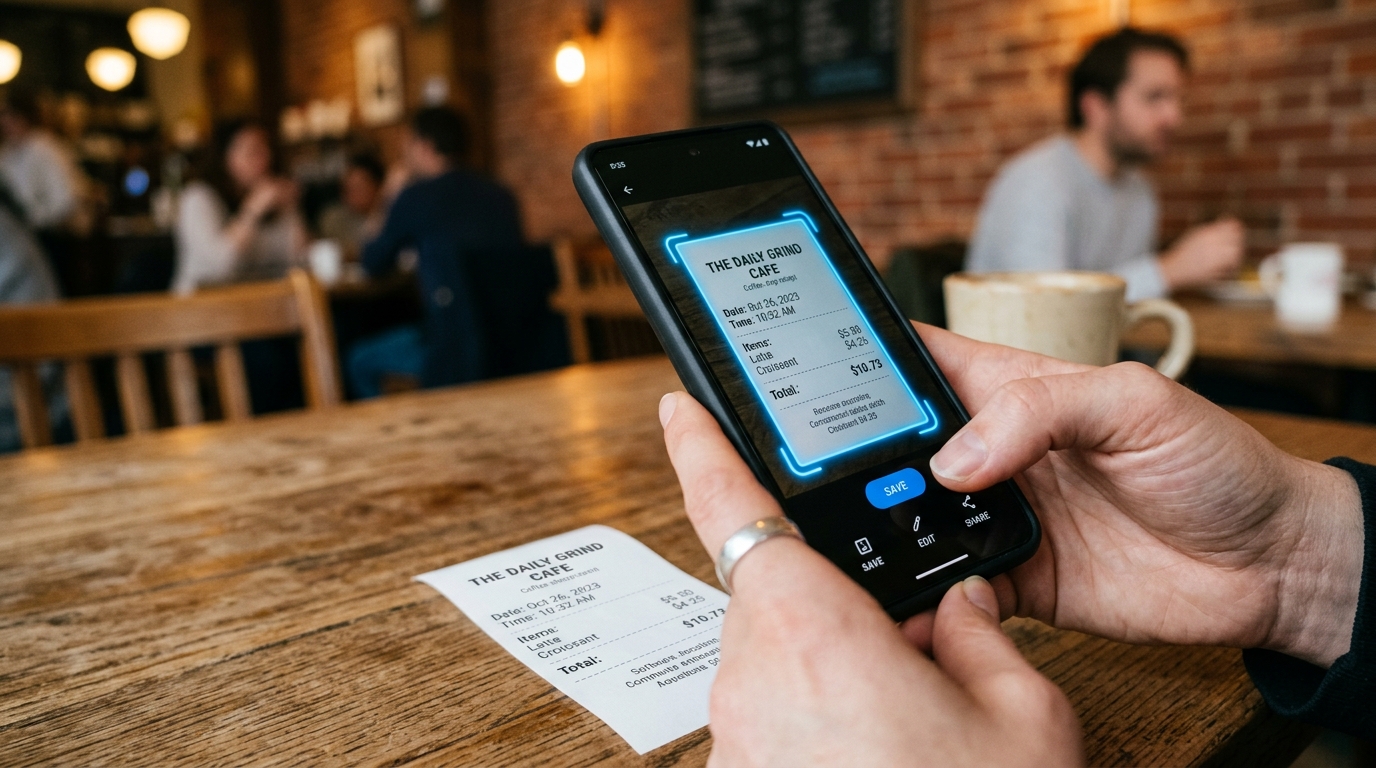
If you finish a client lunch, use the scanner to instantly capture the receipt and file it away for expenses. If you receive a paper contract, digitize it immediately so you have a clean PDF ready to forward. When you need to combine meeting notes with a printed agenda, use the merge function to create a single cohesive file before sharing it with your team.
By moving away from chaotic camera rolls and embracing a structured system, you regain control over your privacy and your time. Developed by Codebaker, an ecosystem focused on practical mobile utilities, Scan Cam offers the secure infrastructure needed to stop fighting your files and start actually using them.