

According to the newly released “Mobile App Trends 2026” report by Adjust, global mobile app installs grew by 10% and user sessions increased by 7% last year, driving mobile consumer spending to a staggering $167 billion. To keep up with this fast-paced digital economy, modern professionals need more than just a basic digital camera tool; they need automated workflows. That is why the latest updates to Scan Cam: Docs PDF Scanner App focus heavily on AI-driven file categorization and multi-page merge features, transforming raw images into structured, ready-to-use business data in seconds.
As a UX researcher who spends countless hours observing how freelancers, small teams, and students interact with mobile interfaces, I have a clear stance on the current state of productivity tools: manual document sorting is officially dead. If you are still relying on a fragmented system—snapping a picture, opening a separate pdf converter, and manually organizing the output—you are wasting valuable time. The expectation for 2026 is operational discipline, and your tools must reflect that.
Stop Treating Your Phone Like a Dumb Photocopier
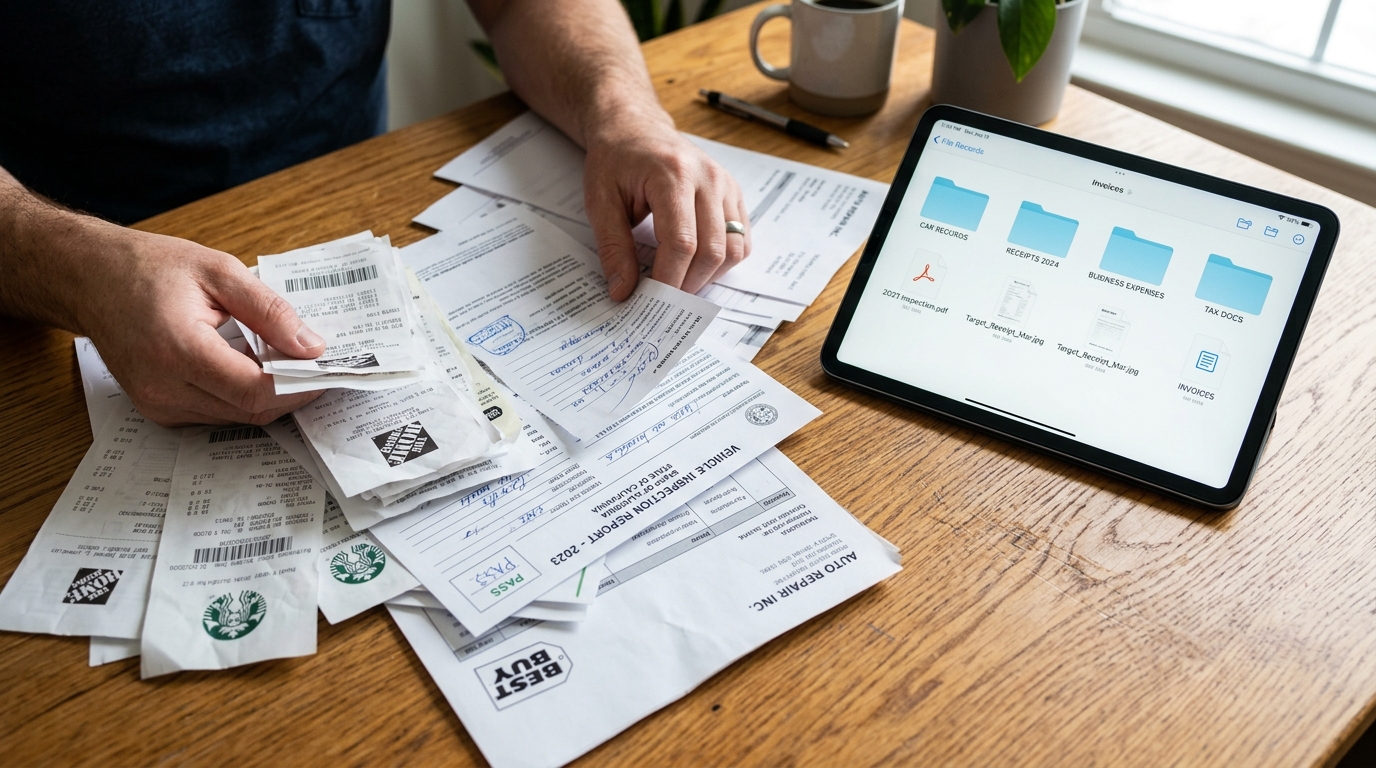
For years, people treated their smartphones as basic photocopiers. You would download a generic scanner app free trial, take a picture of a receipt, and end up with a poorly cropped JPEG. If you wanted to do anything useful with it, you had to export it to a dedicated pdf editor, maybe run it through a word processor, or upload it to Docusign for a signature. The cognitive load of app-switching was immense.
I frequently observe users attempting to cobble together a workflow using older tools like Microsoft Lens or basic Genius Scan alternatives. While these tools functioned well in the past, they merely digitized the paper without understanding the context of the documents themselves. Today, just doing a basic photo to pdf conversion is the bare minimum.
The Adjust 2026 report explicitly notes that artificial intelligence has moved past the "hype" phase. It is no longer a novelty; it is the core infrastructure for segmentation, insight, and operational optimization. Regarding document management, this means your app should recognize what it is scanning and handle the heavy lifting of formatting, enhancing, and organizing.
Consolidate Your Workflow to Reduce Friction
Every time you switch between apps to complete a single task, you lose focus. Our latest feature updates in Scan Cam specifically target this friction. We engineered an intelligent merge and categorization system so that when you scan to pdf, the application automatically handles the alignment, contrast adjustment, and file grouping.
There is a counterargument in the tech community that manual tools give users more control. Proponents of traditional desktop software often argue that relying on manual adjustments in heavy programs like Adobe Acrobat ensures perfect fidelity. While strict manual control is occasionally necessary for complex graphic design, applying that logic to everyday paperwork creates a massive bottleneck. You should not need a desktop suite to clean up an expense report or prepare a client contract.
Interestingly, the Adjust report highlighted that iOS App Tracking Transparency (ATT) opt-in rates rose to 38% in the first quarter of 2026 (up from 35% the previous year). Why are users increasingly willing to opt-in? Because they recognize value. When an application provides genuine, time-saving utility rather than just serving empty features, trust increases. A consolidated workflow builds that trust.
Apply Intelligent Scanning to Everyday Scenarios
To understand the real-world impact of AI-driven file management, we have to look at the highly specific, often messy reality of daily business. Let's look at the kinds of physical paperwork our users process every single day.
Imagine you are managing an automotive fleet or operating a dealership. You are constantly handling paperwork that needs to become searchable text. You might need to digitize a vehicle inspection report for a Honda Accord, archive a title transfer for a 2006 Toyota Corolla, log a dealership invoice, or scan an insurance policy for a new electric SUV. If your scanner cannot cleanly capture, crop, and categorize these complex, text-heavy pages automatically, you will spend hours doing data entry.
The same friction exists in retail and service businesses. A salon owner purchasing equipment must track warranties and receipts for items ranging from a basic trimmer to a heavy-duty Wahl Professional clipper. Relying on a basic invoice maker or manually typing serial numbers into Microsoft Word is prone to human error.
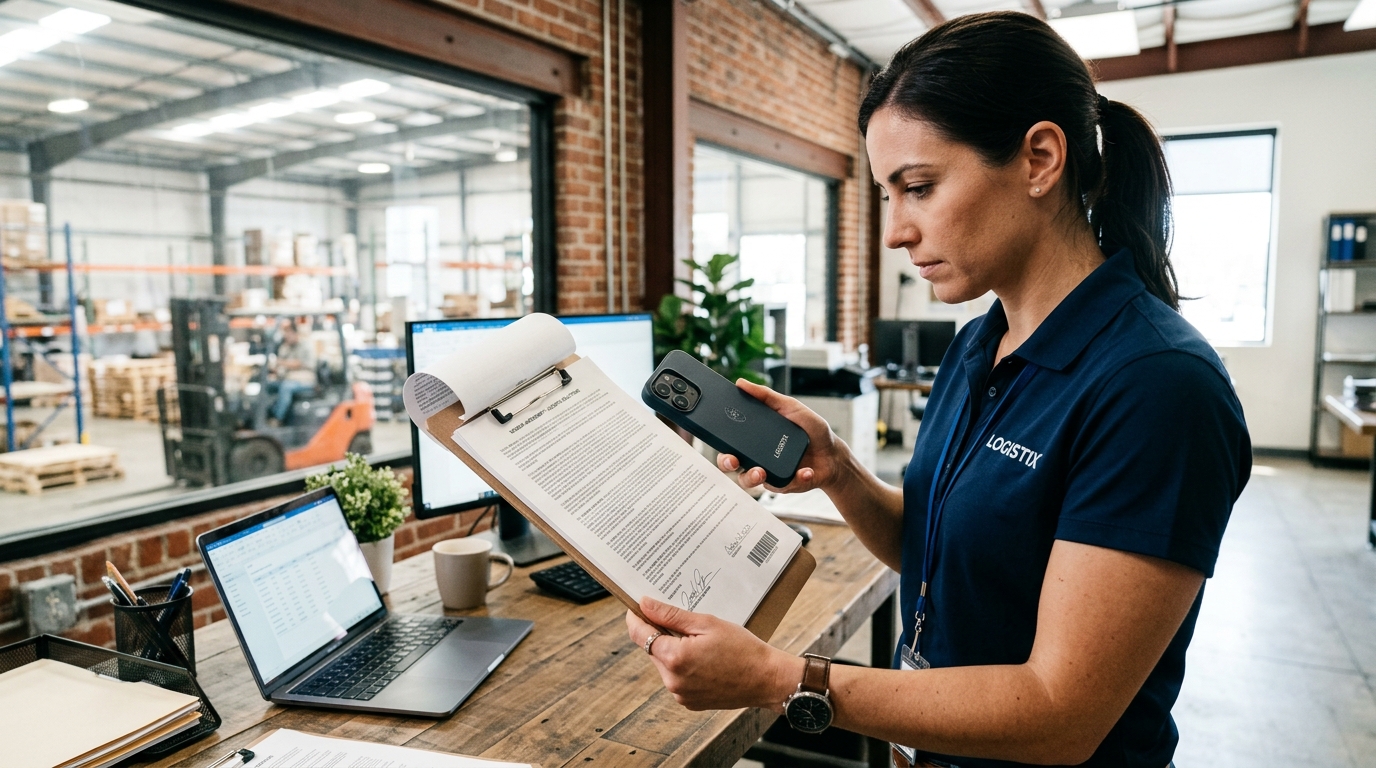
Even in corporate IT environments, professionals use our tools to rapidly digitize dense vendor agreements, such as a localized WMS (Warehouse Management System) deployment contract. In all these scenarios, the goal is the same: move from physical clutter to structured digital files immediately.
Demand More Than Just a Basic PDF Converter
Our philosophy at Codebaker is that mobile utilities should act as silent, efficient assistants. You don't want to think about the technology; you just want the result. Isolated tools are rapidly losing ground to integrated platforms that respect the user's time.
Scan Cam is specifically designed for users who need a professional touch without the professional learning curve. In fact, our international user base often captures the essence of our tool perfectly. As our store listing explicitly states: "This app is a professional document scanner and PDF management tool." That dual focus—scanning combined with active management—is the defining characteristic of a modern productivity tool.
Evaluate Your Current Toolset
If you are evaluating your current pdf scanner, ask yourself a few fundamental questions. Does it require you to manually crop every single page? Does it force you to export a doc file to another app just to arrange the page order? If you want to build a reliable digital archive, Scan Cam's automated features are designed to eliminate those specific frustrations.
Who is this NOT for? If you only take a picture of a grocery receipt once a year, the default camera on your phone might suffice. But if you are a student compiling research notes, a freelancer tracking multiple client expenses, or a small business owner organizing vendor contracts, a dedicated workflow is non-negotiable.
The mobile application economy in 2026 is defined by efficiency. Stop settling for basic image capture. Demand a tool that understands your pdf needs, respects your time, and operates as a true extension of your professional workflow.