

I recently reviewed the backend error logs for a mid-sized logistics firm trying to streamline their delivery receipts. Field contractors were taking raw photos, using a generic lens app to crop them, sending the images to an online pdf converter, and then trying to merge everything in yet another standalone application. The result? Corrupted files, high server latency, and a frustrating 40% failure rate in their daily database syncs. As a full-stack developer who builds cloud storage and file management systems for a living, I see this bottleneck constantly. We are deep into 2026, yet many professionals still treat their mobile devices like early 2010s digital cameras.
A modern mobile document workflow is a unified system that captures, edits, and manages PDF files natively within a single application, eliminating the need to switch between separate scanning, conversion, and signing tools. If you rely on digital paperwork, upgrading from fragmented utilities to a professional document scanner and management tool is the only way to meet today's fast-paced operational demands.
This guide is specifically for freelancers, small business owners, and agile teams who handle high volumes of files daily. It is not designed for enterprise organizations running massive, custom-built warehouse management architectures tied to legacy desktop servers. If you just need your phone to handle real work without crashing, here is a practical, step-by-step walkthrough to modernizing your digital paper trail based on current market realities.
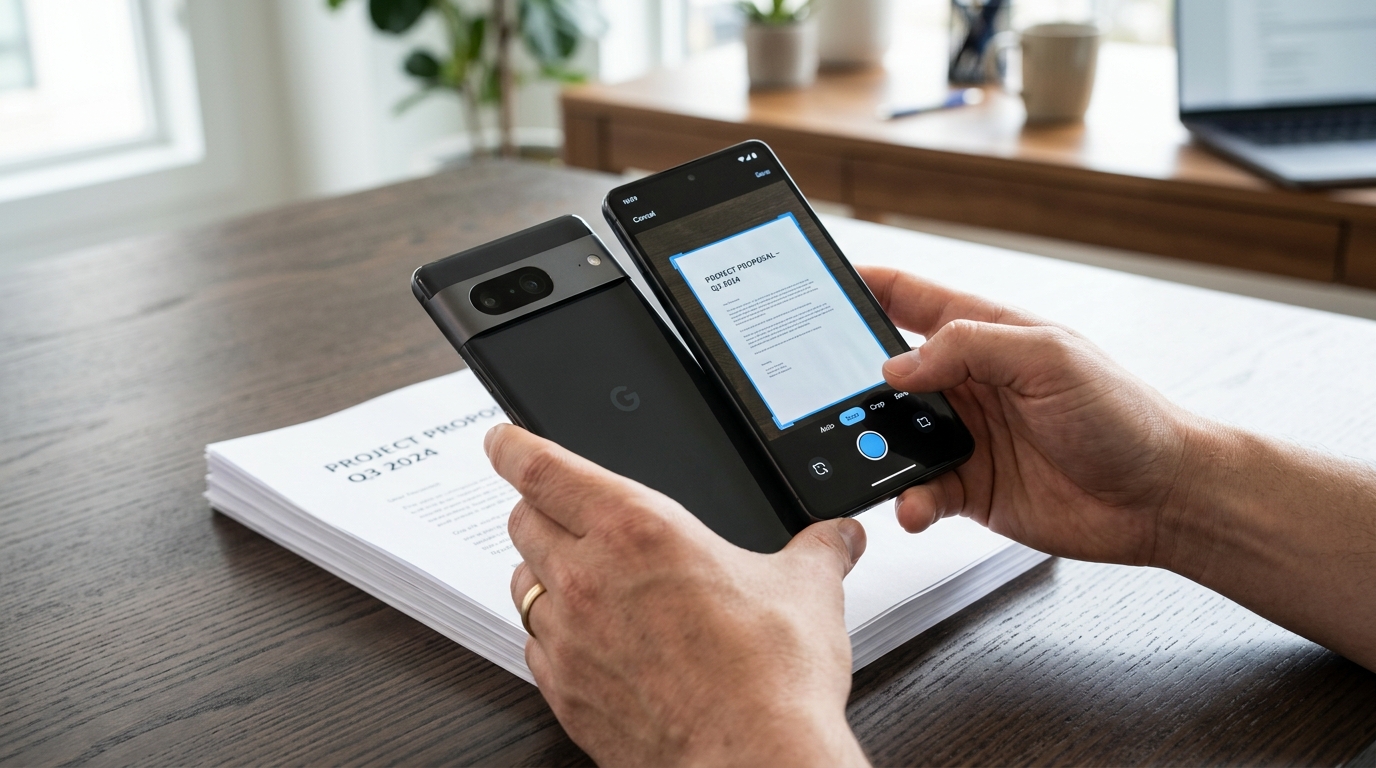
Step 1: Why must we analyze the 2026 app economy data first?
Before changing your software stack, you need to understand how mobile hardware and user expectations have shifted. According to the recently published Adjust Mobile App Trends 2026 report, global application installs rose by 10% and sessions increased by 7% in 2025. Consumer spend jumped 10.6% to reach a massive $167 billion. People are relying on their phones for complex tasks more than ever.
However, patience for poor performance is at an all-time low. Recent user experience studies highlight that 70% of users will delete a slow application immediately after the first use. If your current workflow involves waiting ten seconds for a basic scanner app free version to load an ad before you can capture a doc, you are wasting valuable time.
- Explanation: The mobile industry is transitioning from single-task utilities to AI-assisted, multi-platform environments. App growth in 2026 is driven by integrated data management, not standalone campaign tools.
- Tip: Audit your device today. Delete the isolated "photo to pdf" web shortcuts and outdated camera tools. Keep only the applications that open instantly and process files locally on your hardware.
Step 2: How do you choose a professional document platform?
When selecting a platform, the criteria should always prioritize native processing over cloud-dependent rendering. A generic camera lens simply takes a photo. A proper tool applies edge detection, removes shadows, and converts the image to a high-contrast format locally without pinging an external server.
Many users default to heavy, legacy software like Adobe Acrobat or rely on fragmented solutions like Genius Scan for capture and a separate pdf editor for annotations. This creates a disjointed experience. A comprehensive workflow requires an application that handles the entire lifecycle of the document.
- Explanation: You need an app that provides intelligent cropping, offline support, and smart categorization. If you want a fast, integrated capture-to-export process, Scan Cam: Docs PDF Scanner App is a professional document scanner designed precisely for that. It keeps everything in one secure environment.
- Tip: Test the capture speed offline. Put your phone in airplane mode and try to scan a multi-page invoice. If the app fails to generate a clean PDF, it is relying too heavily on cloud processing and will fail you in areas with poor reception.
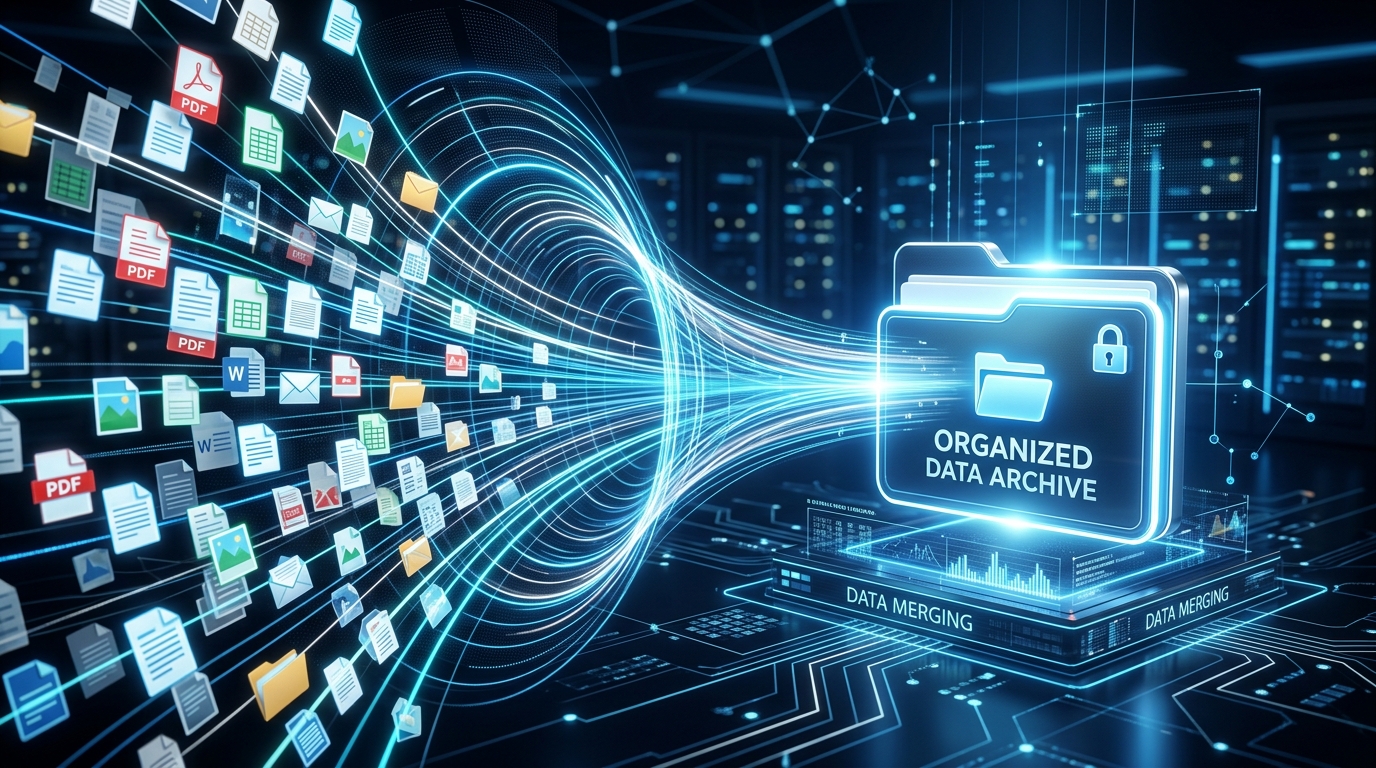
Step 3: What is the true cost of fragmented file management?
Every time you move a file between applications, you risk data degradation and formatting errors. I frequently observe users capturing an image, exporting it to a third-party pdf converter, running it through an invoice maker, and then trying to push it into Microsoft Word or DocuSign. Each of these handoffs strips metadata and complicates version control.
In the current tech climate, the future belongs to systems that organize your scans the moment the camera shutter clicks. Manual sorting is becoming an obsolete bottleneck that businesses can no longer afford.
- Explanation: Fragmented steps lead to bloated file sizes. A raw photo might be 5MB. A properly processed scan to pdf file should be under 500KB while maintaining perfect text legibility.
- Tip: Build a "single source of truth" for your documents. Choose one app to scan, merge, and store your files before you export them to clients or legal portals.
Step 4: Why does privacy and measurement architecture matter?
Data privacy is no longer just a legal requirement; it is a core feature of reliable software. The Adjust 2026 report noted an interesting metric: iOS App Tracking Transparency (ATT) opt-in rates rose from 35% in Q1 2025 to 38% in Q1 2026. While users are slightly more willing to share data with trusted apps, they are simultaneously more aggressive about cutting off tools that leak their information.
When you scan sensitive financial files or legal contracts, you need to know where that data is going. Companies that prioritize user autonomy build better software. For example, the team at Codebaker focuses on creating secure utility applications where the user retains full control over their assets.
- Explanation: Free web-based converter tools often monetize your data. If you upload a confidential contract to a random browser tool, you have lost control of that file.
- Tip: Always check the privacy labels on your app store. Ensure that your chosen pdf scanner processes sensitive text recognition natively on your device rather than sending images to an unverified third-party server.
Step 5: How should you consolidate your tech stack today?
If you look at your phone's home screen right now and see separate icons for scanning, converting, merging, and signing, you are losing efficiency. The 2026 ecosystem rewards integration.
To fix this, map out your most common daily task. Are you primarily capturing whiteboard notes? Submitting expense receipts? Archiving signed contracts? Identify the core action and find the single best environment that supports it from start to finish.
- Explanation: Consolidation reduces cognitive load. You don't need to remember which app holds your converted JPEGs and which one holds your merged PDFs.
- Tip: Start by migrating your active projects. Take five physical documents on your desk right now, scan them using a unified tool, apply optical character recognition to extract the text, and merge them into one organized file. Once you experience the speed of a streamlined system, you will confidently delete the old, disjointed apps holding you back.