
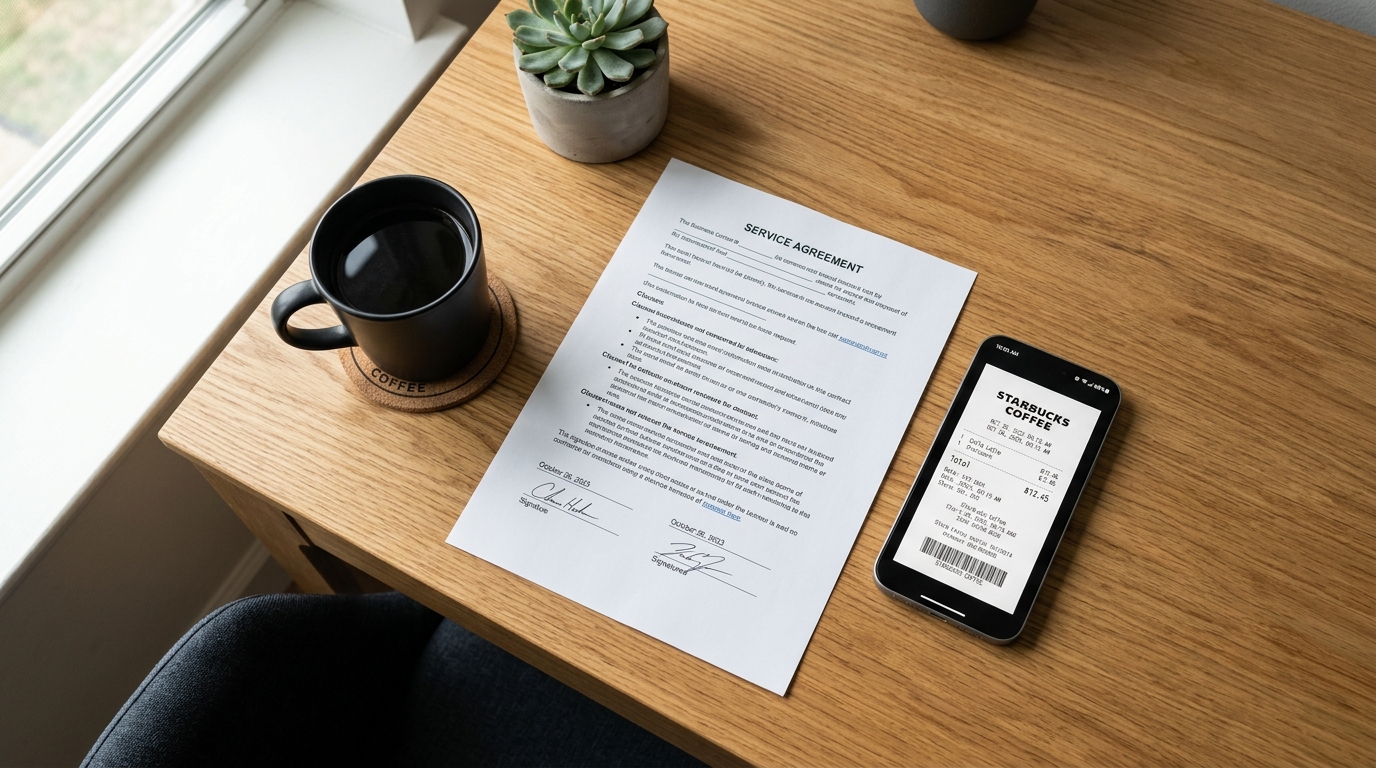
Global app installs jumped by 10% last year, and consumer mobile spending hit a record $167 billion, according to the 2026 Mobile App Trends report published by Adjust. Yet, despite this massive surge in mobile reliance, I still routinely receive illegible, shadow-covered photographs from professionals who think they are sending me a formal document.
My name is Serkan Eren. As a product developer who has spent years bridging legacy fax technologies with modern digital document management, I've observed a surprising gap. The mobile ecosystem has never been more advanced—Adjust's report notes that user session times are up 7% globally—but our basic handling of files remains chaotic. People are trying to run their businesses out of their camera rolls, and it simply isn't working.
To understand why a dedicated tool like Scan Cam: Docs PDF Scanner App exists, we need to address the misconceptions. Let's dismantle four of the most common myths about mobile document management and look at what actually works for everyday paperwork.
Myth 1: Your Phone's Native Camera is a Scanner
This is the most pervasive misunderstanding I encounter. You take a picture of a contract on your desk, maybe crop the edges slightly, and email it. To the sender, it feels done. To the recipient, it is a distorted, dimly lit JPG that looks highly unprofessional.
A camera captures light; a scanner captures data. When you need to send a formal doc, a raw photo simply doesn't behave like a piece of paper. It won't print cleanly, the background will consume massive amounts of printer ink, and the text isn't selectable. This is why tools focused on photo to pdf conversion remain essential. A proper pdf scanner mathematically identifies the corners of the page, corrects the perspective so the text lies flat, and increases the contrast to make the text pop against a pure white background.
Many users initially search for generalized tools like Google lens or generic scanner app free downloads hoping for a quick fix. What they actually need is an integrated workflow that handles the scan to pdf process instantly, without requiring them to manually adjust exposure levels in a photo editing app.
Myth 2: Heavyweight Desktop Software is Mandatory
Another myth is the belief that serious document work requires expensive desktop software. Historically, if you needed to merge multiple pages into a single file or compress a large manual, you had to transfer the files to a PC and open adobe acrobat or Microsoft word.
That era is over. As Cem Akar covered in detail regarding the 2026 app economy shift, isolated software is losing ground to integrated mobile workflows. You do not need a massive desktop subscription to handle daily administrative tasks. A well-designed mobile pdf editor can combine receipts, compress files, and organize folders entirely on your phone.
Scan Cam: Docs PDF Scanner App is a professional document scanner and PDF management tool designed precisely for this gap. It replaces bloated desktop software by putting the essential tools—scanning, editing, merging, and exporting—directly in your hand. If you want to bypass the friction of moving files between devices, Scan Cam's built-in pdf converter is designed for that exact outcome.
Myth 3: Mobile Privacy is Declining
A lingering hesitation among business users is the belief that scanning sensitive documents on a mobile device is inherently less secure than using a physical office scanner. However, user control over data is actually tightening.
The Adjust 2026 data reveals an interesting shift: iOS App Tracking Transparency (ATT) opt-in rates increased from 35% in Q1 2025 to 38% in Q1 2026. Users are becoming much more deliberate about which apps they trust with their data. When you use a local-first scanner, your documents are processed on your device. You aren't uploading your sensitive tax returns to a random web server just to combine two pages.
By keeping the scanning and editing tools native to the device, you maintain a secure grip on your files before passing them off to secure signing platforms like docusign or filing them in your private cloud.
Myth 4: One-Off Apps Are Enough for Modern Workflows
I frequently see users attempting to build a system out of a dozen different fragmented apps. They use one app as an invoice maker, another just to capture the image, a third app to crop it, and yet another tool to share it.
This fragmentation leads to lost documents and wasted time. The solution isn't more apps; it is consolidation. Whether you are dealing with a quick expense report or a multi-page legal contract, your workflow should happen in one continuous motion: capture, adjust, convert to PDF, and share.
Audience Clarity: Who Actually Needs a Dedicated Workflow?
To be completely clear, not everyone needs a professional scanning tool. Let's look at who benefits the most, and who should look elsewhere.
Who this is for:
- Freelancers and Consultants: Those who need to submit clean, professional expense reports and contracts without having a home office setup.
- Field Service and Logistics Professionals: Workers who manage complex paperwork on the go. For example, if you are logging waybills for a Warehouse Management System (WMS), capturing maintenance invoices for fleet vehicles, or filing parts receipts for commercial equipment, a fast pocket scanner is critical.
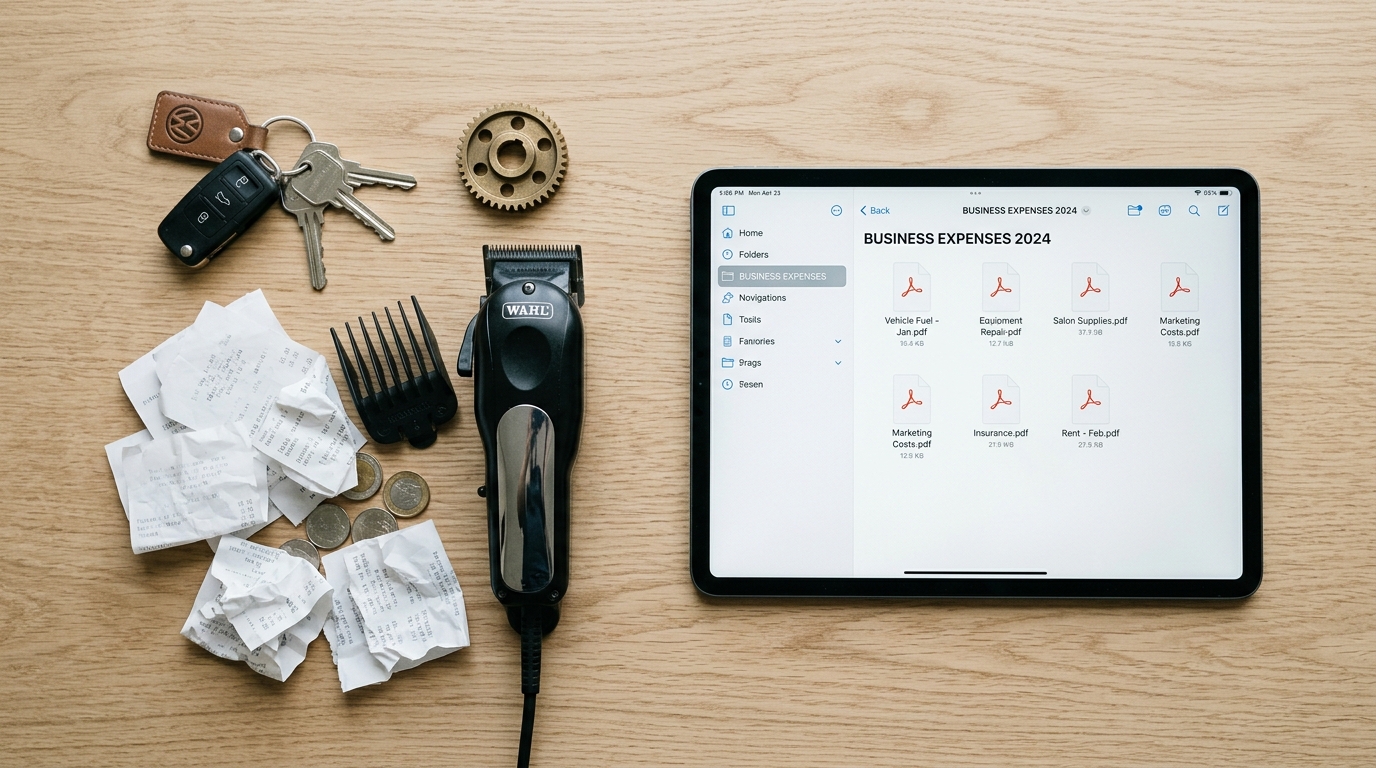
- Small Business Owners: Shop owners tracking equipment purchases—such as salon owners digitizing warranty receipts for professional hair styling tools or specialized retail machinery—need a reliable way to turn thermal paper receipts into permanent PDFs before the ink fades.
Who this is NOT for:
If you are an enterprise archivist tasked with digitizing thousands of historical books per day, a mobile app is not your primary tool. You need industrial hardware with automated feed trays. A mobile scanner is built for agility and daily operational paperwork, not mass archival.
Practical First-Use Scenarios: Getting Started
If you are tired of fighting your files, here are the most practical ways to start organizing your digital life today:
1. The Expense Report Rescue
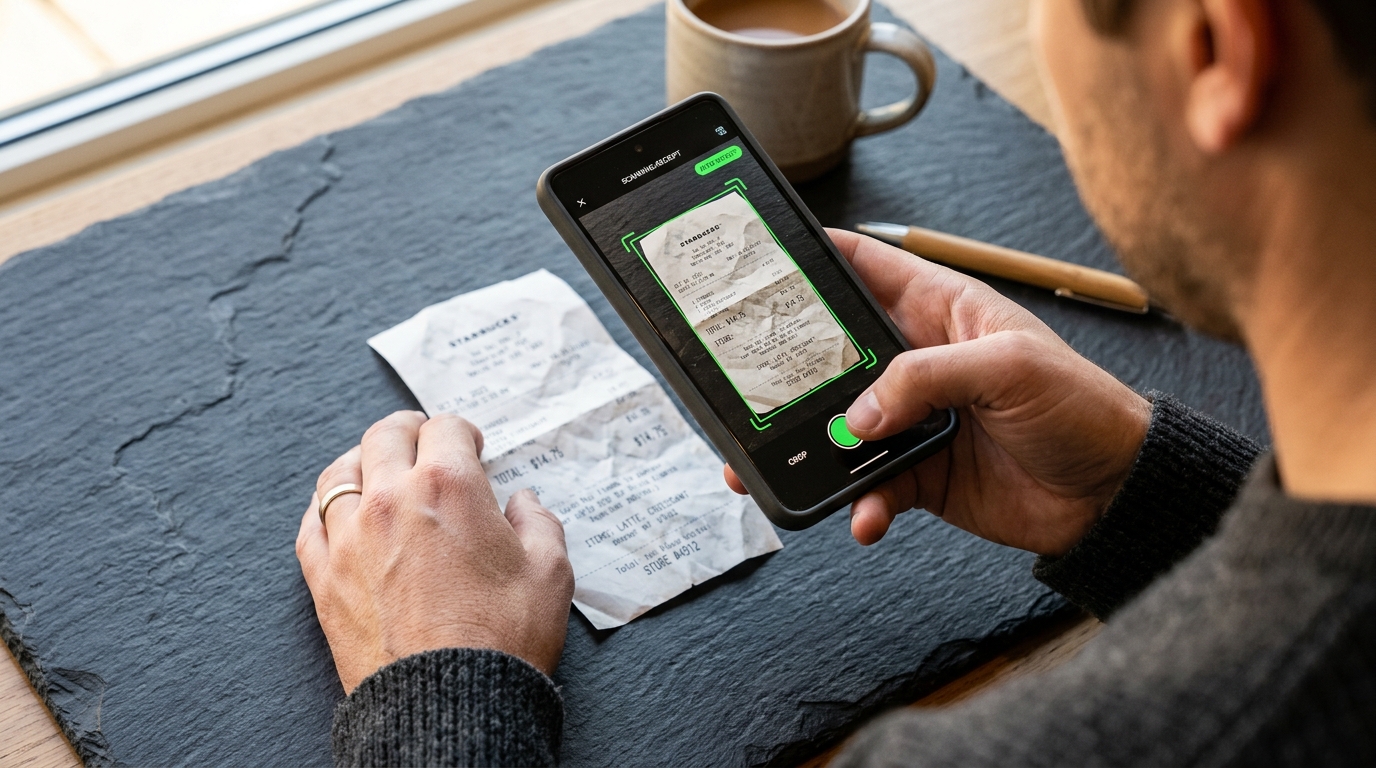
Stop shoving receipts into a shoebox. The next time you buy supplies, place the receipt on a dark table. Open the scanner, let the camera detect the edges automatically, and snap the scan. Apply a black-and-white filter to enhance the text, and save it immediately to an "Expenses" folder. When tax season arrives, simply hit merge and export a single, chronological PDF.
2. The Signed Contract Loop
Someone emails you a contract. If you prefer to print and sign with a physical pen, don't photograph the result. Scan it back in, let the app flatten the perspective, and use the integrated share function to email the final PDF directly back to the client. It looks identical to a document sent from a physical office machine.
3. The Whiteboard Capture
After a meeting, don't just take a standard photo of the whiteboard. Use the scanner to crop out the background wall, boost the marker contrast, and save the notes as a clean PDF that you can easily distribute to the team.
At our parent company, Codebaker, we build tools that prioritize utility over flash. The mobile economy is undoubtedly growing, but the foundational need to manage our administrative tasks clearly and professionally hasn't changed. By discarding the myths surrounding mobile scanning and adopting a consolidated tool, you can finally take control of your digital paperwork.