
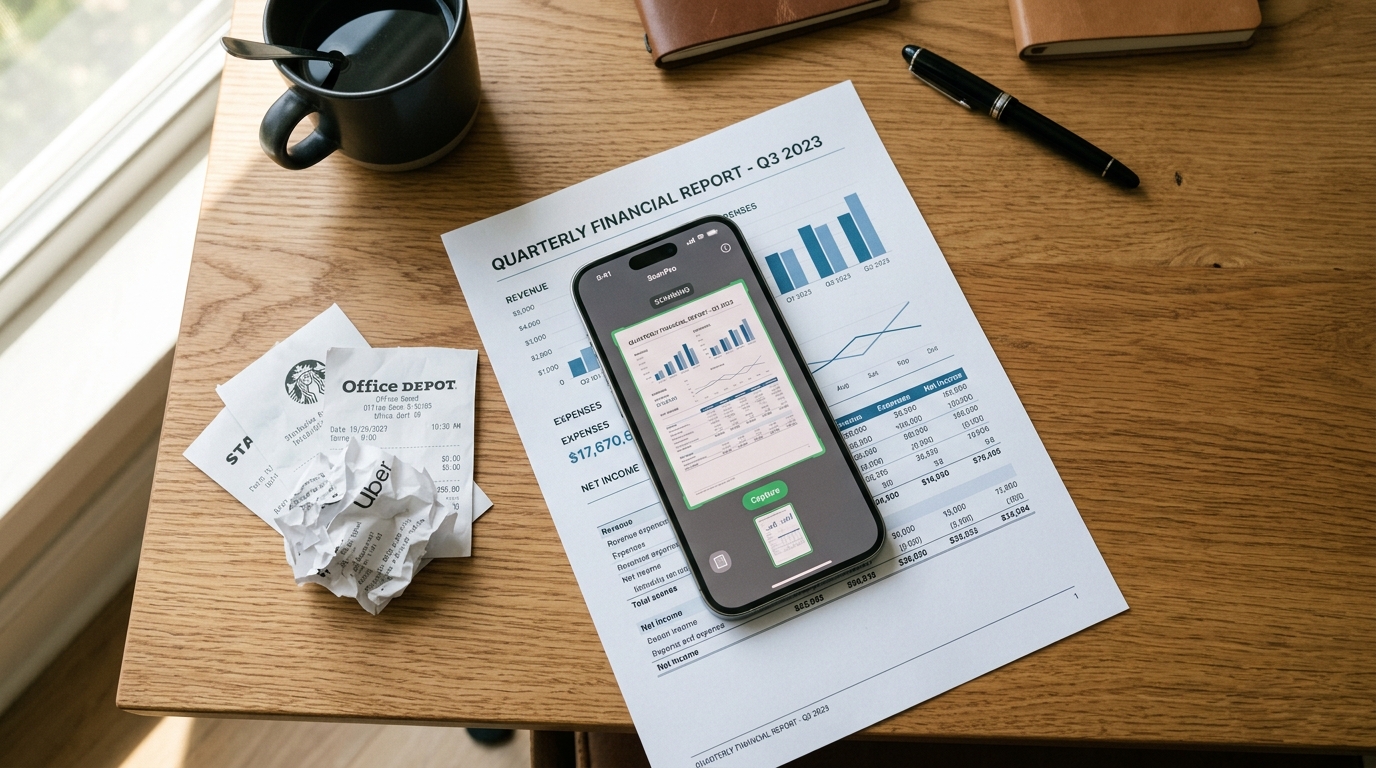
According to the recent Adjust Mobile App Trends 2026 report, global users spent a significant 21 billion hours interacting with finance and productivity platforms last year alone, driving over 7 billion new application downloads. For modern professionals handling digital paperwork, a dedicated PDF scanner app is essential for converting physical files into lightweight, shareable documents without relying on bloated software suites. As a full-stack developer specializing in cloud storage and file management infrastructures, I look at these massive download numbers and see a very specific technical challenge: the global demand for capturing, processing, and transmitting documents is placing immense strain on mobile workflows.
We are entering what industry analysts call the "data-light" era. Mobile user behaviors are adapting to demand efficiency, speed, and low data consumption. When individuals apply for loans, submit expense reports, or finalize client contracts on their phones, they generate millions of digital files every day. The traditional approach of downloading massive desktop-ported software to handle these simple tasks is rapidly becoming obsolete. In this guide, we will examine why focused document tools are replacing heavy multi-purpose applications, and how you can optimize your own mobile filing system.
Why Your Camera Lens Is Not a Document Management System
It is incredibly common to see professionals attempt to use their default camera application as a makeshift document scanner. You snap a picture of a receipt or a signed contract, and it sits in your photo gallery next to pictures of your lunch and your pets. This habit creates absolute chaos on the backend. A standard mobile camera lens captures raw light and color data, resulting in massive JPEG files that consume megabytes of storage space and chew through cellular data limits when you try to email them.
People frequently search for tools to convert a photo to PDF or execute a quick scan to PDF precisely because they realize the limitations of raw images. A photograph does not have searchable text, it does not format well for standard A4 printing, and it looks unprofessional when sent to a client. As Serkan Eren covered in his recent post on debunking mobile scanning myths, treating your photo gallery as a filing cabinet is a recipe for data loss and privacy risks. You need a dedicated layer of software that translates an image into a clean, highly compressed digital document.
The Heavyweight Trap: Microsoft Word and Adobe Acrobat
When users realize their photo gallery is failing them, they often swing the pendulum too far in the other direction. They assume they need enterprise-grade software to handle basic file tasks. They look for solutions by downloading heavy applications like Microsoft Word or Adobe Acrobat directly to their mobile devices. While these are powerful platforms for complex editing and formatting, they are often entirely unnecessary for the day-to-day realities of mobile work.
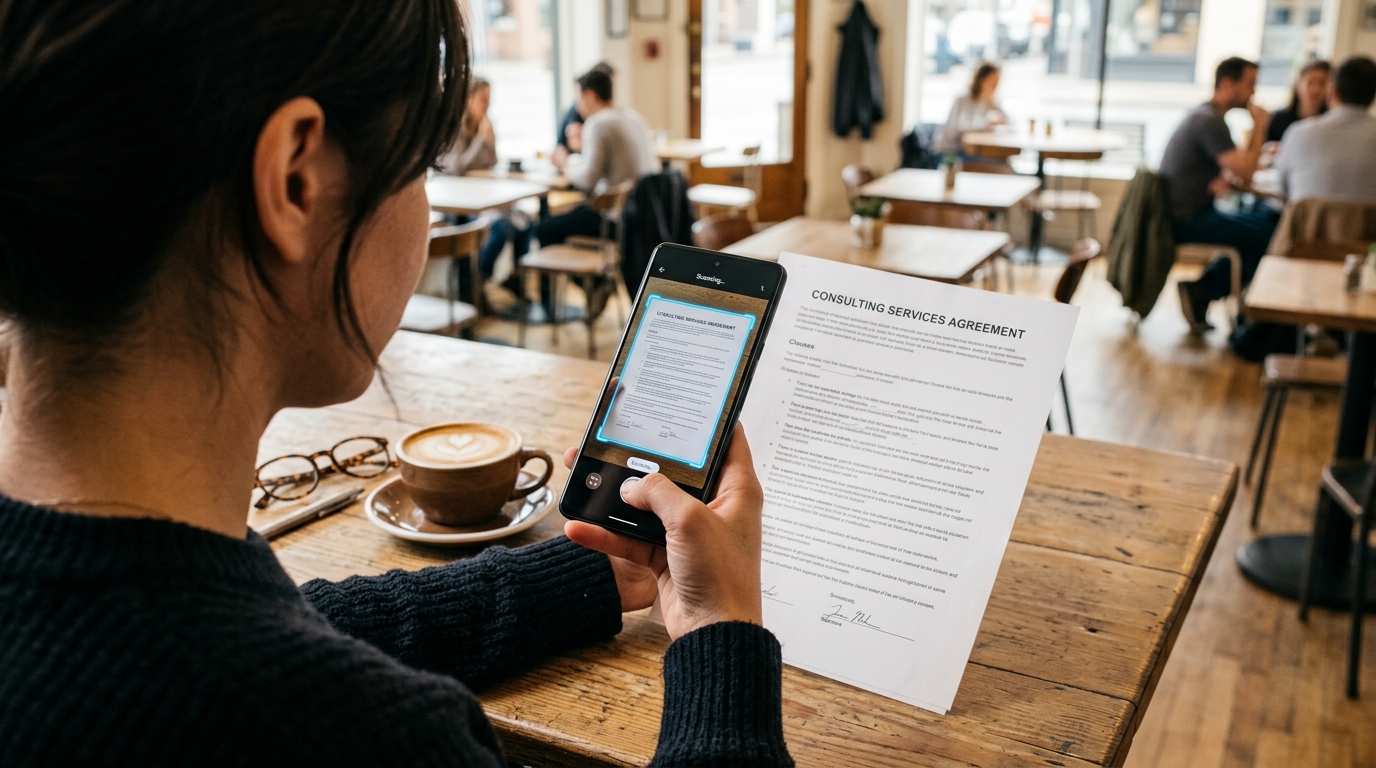
Imagine you are a freelancer sitting in a cafe, and you need to digitize a single invoice and send it to a client. You do not need a 500-megabyte application running in the background to accomplish this. Using a massive word processor to handle a simple document or a billing task is highly inefficient. Furthermore, relying on heavy enterprise software often forces you into requiring an active internet connection to authenticate your account before you can even save your work.
What most people actually require is a fast, efficient PDF converter and a basic PDF editor that works entirely offline. You want an application that opens instantly, captures the page perfectly, and allows you to merge multiple pages into a single file in seconds. This is where the philosophy of the dedicated scanner app, free of unnecessary bloat, becomes incredibly valuable.
Establishing Your Decision Criteria for a Mobile Scanner
If massive software suites are too heavy and the default camera is too basic, how should you evaluate a modern PDF scanner? Based on the shift toward data-light workflows, here are the core criteria I recommend looking for when building your document architecture:
First, prioritize offline functionality. Your ability to scan and save documents should never depend on a stable cellular connection. Local processing ensures that your private financial records or legal contracts are not unnecessarily uploaded to a third-party server just to apply a black-and-white filter. Second, look for integrated compression. The app must automatically reduce file sizes without destroying text legibility. Third, evaluate its export flexibility. You should be able to quickly route the finished file to signature platforms like DocuSign or directly into an email draft.
If you want to capture, compress, and organize paperwork entirely on-device, Scan Cam: Docs PDF Scanner App is designed specifically for that workflow. It provides professional document scanning for iOS and Android users by focusing strictly on high-quality capture and local file management, avoiding the unnecessary overhead of generic office suites. It is built for freelancers, small business owners, and field workers who need fast results. However, it is not designed for users who require heavy desktop-publishing features or complex graphic layout tools—it is an optimized utility for everyday paperwork.
Consolidating the Digital Paper Trail
Let us return to the 2026 data. The Adjust report noted that digital wallets and instant payment networks are projected to drive global payment revenues to $3 trillion by 2028. This massive financial mobility relies entirely on fast, secure document verification. Every time an independent contractor needs to prove their identity, submit a tax form, or provide proof of address, they are participating in this massive data exchange.
A fragmented approach to this process will slow you down. If you use one application to scan, another application (like a generic Genius Scan alternative) to crop, and yet another tool to organize your files, you are wasting valuable time. Onur Başaran explained this architectural flaw in his guide on building a professional mobile document architecture. Fragmentation destroys productivity. You need a single, reliable point of entry for all physical media entering your digital workspace.
We apply this exact philosophy across all our infrastructure projects at Codebaker. Whether we are engineering secure communication tools or precise document utilities, the goal is always to reduce friction. The software should do exactly what it promises—no more, no less—and it should do it exceptionally well.

Common Mistakes in the Data-Light Transition
As you adapt your mobile setup to be more efficient, watch out for a few common pitfalls. One major mistake is failing to set default compression levels. Many users capture beautiful, crisp scans but leave them at maximum resolution. When they try to email a 15-page contract, the attachment exceeds the server limits. Always ensure your app is configured to output standard, compressed PDFs for daily communication.
Another frequent error is neglecting file nomenclature. It is very easy to scan a stack of papers and leave them titled "Scan_2026_04_12_A.pdf". Three months later, finding a specific tax receipt becomes a nightmare. Take the extra few seconds to rename your files immediately after capture. A good mobile tool will prompt you to do this before saving the final version.
Finally, avoid the temptation to constantly switch applications just because a new tool offers an obscure filter or a shiny interface. Find a reliable utility that handles the fundamentals—capture, crop, convert, and compress—and stick with it. The true value of a mobile file management system lies in its predictability. When you pull your phone out of your pocket, you should know exactly how long it will take to turn that piece of paper on the desk into a pristine digital file sitting safely in your outbox.
The transition toward faster, lighter mobile computing is well underway. By stepping away from bloated software and embracing focused, highly optimized tools, you ensure that your digital workflows remain fast, secure, and ready for whatever the modern professional environment requires.