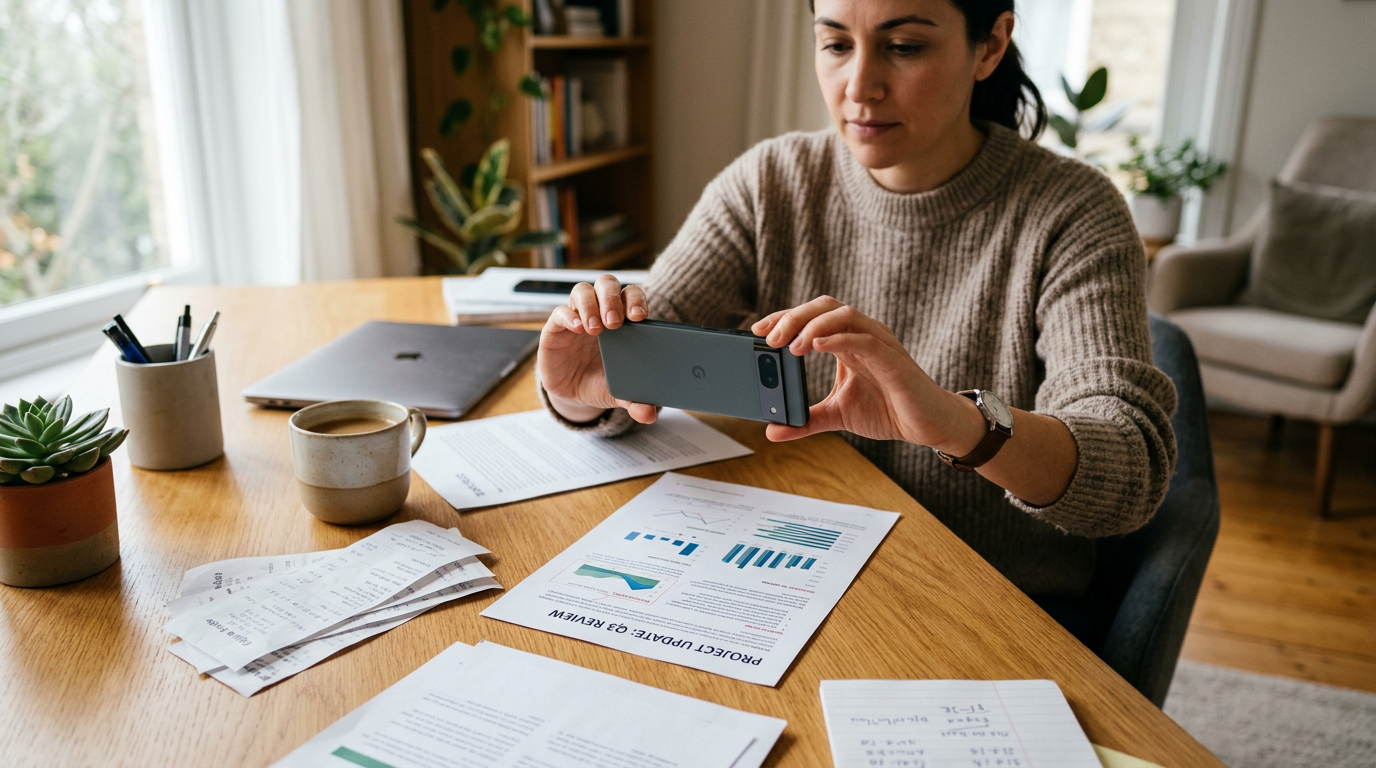
After enough scans, patterns become obvious: most people do not struggle with PDF technology, they struggle with turning a quick camera capture into a document that is readable, shareable, and usable in tools tied to word or docu sign. That is the practical lesson behind a milestone like 50,000 users or tens of thousands of scanned pages: the real problem is workflow friction, not lack of features.
For a mobile-first app, a milestone only matters if it helps explain behavior. In the case of a professional document scanner ve PDF yönetim tool like Scan Cam: Docs PDF Scanner App, user growth says less about hype and more about repeated everyday needs: receipts that must become PDFs, contracts that need a cleaner scan before sending, class notes turned into files, and paper documents archived without a desktop scanner.
Why a 50,000-user milestone is worth discussing at all
Round numbers can sound self-congratulatory, so it helps to be specific about what they actually reveal. When enough people use the same scanner app across different situations, you can see where expectations are consistent.
People searching odd or misspelled terms such as qord and scanscaner are usually not looking for jargon. They are often trying to solve one of four jobs quickly:
- scan a paper with a phone camera,
- convert photos or documents into PDF,
- prepare a file for signing or sharing through a docu sign-style workflow,
- move content into editable office formats connected to word or microsoft word.
That matters because it changes how a document app should be judged. The best tool is not the one with the longest feature list. It is the one that reduces the number of small failures between paper and finished file.
The biggest lesson from everyday scanning: clarity beats complexity
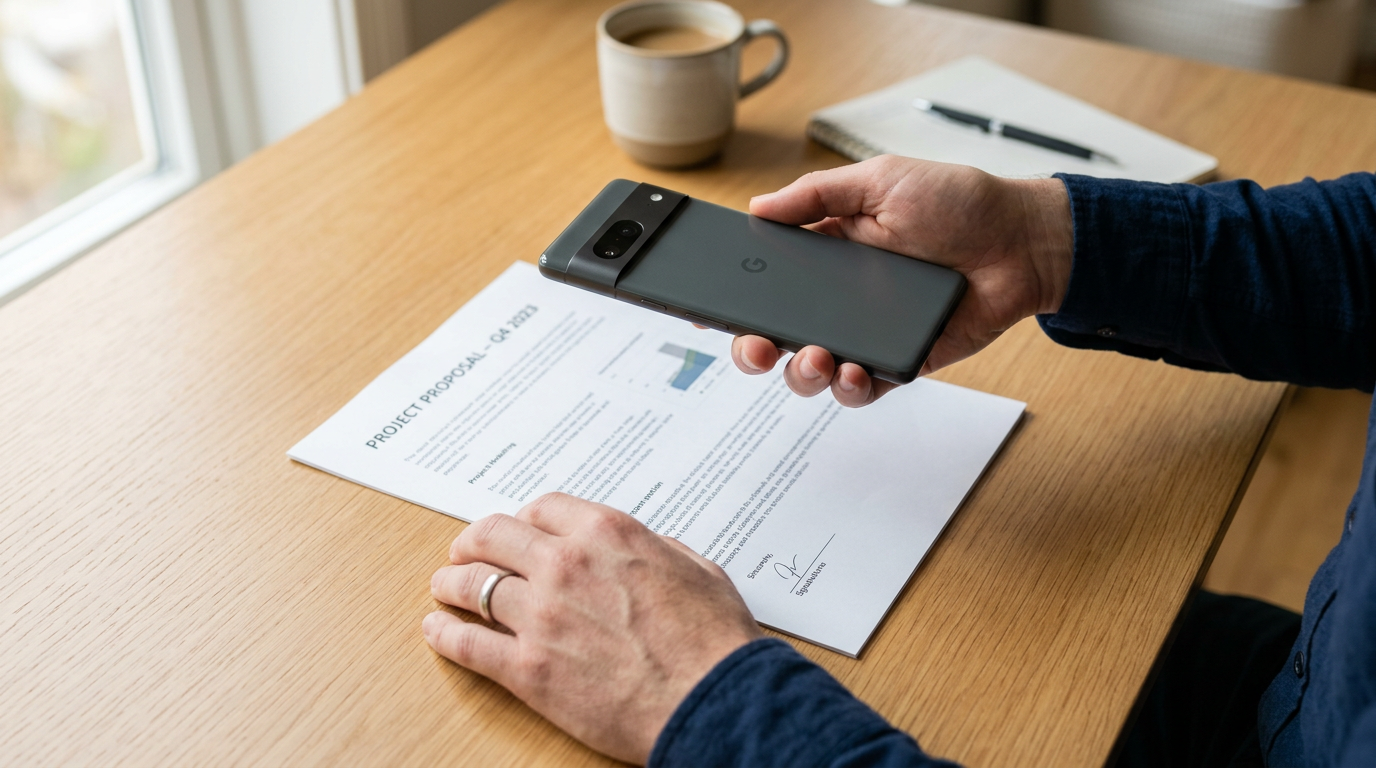
Once users have scanned enough pages, they stop caring about abstract feature names and start caring about outcomes. Can the page be read? Is the crop correct? Will shadows ruin the text? Can they edit, export, or send the document without starting over?
This is why many people move away from generic photo galleries and basic note apps for document work. A regular camera roll can store images, but it does not reliably handle edge detection, document contrast, multi-page assembly, or fast PDF export. In other words, a photo app preserves a picture; a document scanner tries to preserve meaning.
That distinction is easy to miss until you need to send a lease page, an invoice, or a signed form. At that point, clean structure matters more than raw image quality.
What repeated user behavior usually points to
Across milestone periods, document apps often see the same repeat actions:
- Users open the app because paper arrived unexpectedly.
- They use the phone camera in imperfect lighting.
- They need a PDF, not just a photo.
- They often rename, store, or share the file immediately.
- A smaller but important group wants to edit, reorder pages, or prepare the file for a signature flow.
That makes a strong case for simple capture, readable output, and lightweight file management over bloated menus.
Who benefits most from this kind of scanner app?
Scan Cam: Docs PDF Scanner App is a mobile document scanning and PDF management app for people who need to capture, organize, and share paper documents on iPhone or Android without relying on a desktop scanner.
The users who tend to get the most value are:
- students scanning notes, forms, and reading materials,
- freelancers sending invoices, IDs, and signed paperwork,
- small business owners handling receipts and records,
- field workers who collect paper documents away from the office,
- anyone who frequently moves between paper, PDF, and office files.
If you want fast capture and cleaner output from a phone camera, Scan Cam: Docs PDF Scanner App is designed for that. If your main need is simply storing casual photos, a document-focused tool may be more than you need.
Who is this not for?
It is not the right fit for users looking for a full desktop publishing suite, deep legal document review software, or enterprise-only yönetim systems like a specialized wms sistemi. It is also not ideal for someone who scans one page every few months and is happy leaving it as an uncropped photo in the gallery.
What people really mean when they search qord, scanscaner, word, and docu sign
Search behavior around document tools is messy. Spelling varies. Intent does not. Someone typing qord may actually be looking for a document or word-related workflow. Someone typing scanscaner is almost certainly trying to find a scanner quickly, not debating terminology. And searches around docu sign often reflect a need to prepare paperwork properly before it gets signed.
The educational takeaway is straightforward: scanning is rarely the final task. It is usually the first step in a chain.
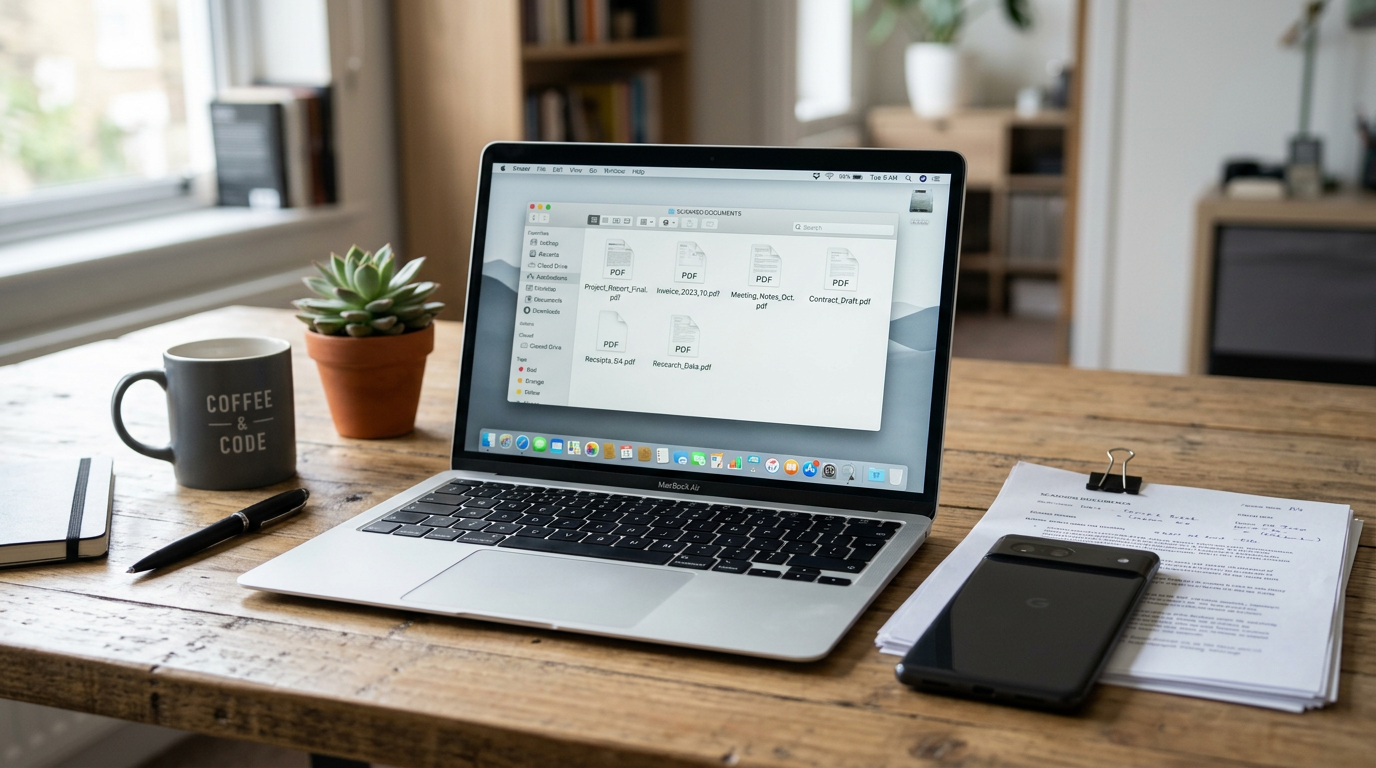
- Camera to PDF: capture the page clearly.
- PDF to shareable file: store, rename, send, or archive.
- PDF to office workflow: support reading, editing, or using the content alongside word documents.
- PDF to signature workflow: make the file legible before a docu sign process begins.
A milestone worth noting is not “people scanned a lot.” It is “people repeatedly used the same sequence because the paper-to-file step keeps showing up in everyday life.”
The mistakes users make early, and what changes after a few weeks
One useful thing about looking back at a growth milestone is that early mistakes become easier to name. New users commonly assume that any photo taken straight-on is good enough for a document. Often it is not.
Typical first-week issues include:
- dark shadows across the page,
- crooked edge detection,
- busy backgrounds that make documents harder to read,
- single-page captures for documents that should be merged,
- keeping important paperwork as loose photos instead of organized files.
After repeated use, habits improve. People learn to place pages on a plain surface, check corners before saving, and export immediately as PDF when the document is meant for sharing. This is where a dedicated scanner app becomes less about novelty and more about consistency.
For users who want a practical foundation before building a longer document routine, the core app overview for Scan Cam gives a clear picture of the basic capture-to-PDF workflow.
How to evaluate a document scanner after the honeymoon phase
Milestones are useful because they push the conversation past first impressions. Plenty of apps feel fine on day one. Fewer hold up once you have scanned receipts for tax records, classroom handouts, ID copies, and handwritten notes in the same week.
When choosing a scanner or PDF tool, these criteria matter more than flashy extras:
- Speed of capture: Can you scan and save in under a minute?
- Reliable page detection: Does it find document edges without constant correction?
- Readable output: Are text and contrast suitable for real documents?
- Multi-page handling: Can you combine related pages into one PDF?
- Edit and file control: Can you rename, reorder, and manage documents easily?
- Offline usefulness: Does basic scanning work when your connection is weak?
- Pricing clarity: Can users understand what is free and what requires an upgrade?
That last point matters more than many teams admit. A scanner app free search often signals caution, not bargain hunting. Users want to know whether the app can handle ordinary document needs before they commit.
A brief comparison: dedicated document scanning vs generic alternatives
People often start with what is already on their phone. That makes sense. But generic tools usually break down once paperwork becomes frequent.
| Approach | Good for | Where it falls short |
|---|---|---|
| Standard camera app | Quick visual capture | No document-focused crop, weak file structure, harder PDF workflow |
| Cloud notes or gallery folders | Simple storage | Less reliable for organized, share-ready documents |
| Dedicated scanner and PDF app | document capture, cleanup, export, and management | May be unnecessary for users with very occasional needs |
This is also where document tools differ from random search intent noise. Terms like powertec tr 901, powertec tr 601, skywell suv, or dacia logan sedan may appear in broad keyword lists, but they do not reflect the same user need. A scanning app should stay focused on documents, not chase unrelated traffic.
A few practical questions people tend to ask
Is a phone camera really enough for important documents?
Yes, for many everyday cases. The key is not having the most expensive phone; it is using a document-focused workflow that improves crop, contrast, and export.
Do I need editing if I only scan paper?
Usually yes, at least light editing. Renaming files, reordering pages, and correcting a crop are basic parts of document handling.
How is this different from taking photos and sending them?
A document scan is easier to archive, print, read, and share professionally than loose photos. PDFs also keep related pages together.
Why do users care about word or docu sign if the app is a scanner?
Because scanning is often preparation for the next task. The document may need to be reviewed, stored with office files, or sent into a signing process.
Users who want a simple starting point for turning paper and photos into organized PDFs can also look at this practical introduction to Scan Cam’s day-one document workflow.

What a credible milestone should really say
A believable milestone post does not need inflated claims. It should say something more useful: repeated scanning shows that document work is still messy, often mobile, and surprisingly dependent on small details such as edge cleanup, readable contrast, and fast export.
It should also acknowledge that not every user wants the same depth. Some just need a fast scan. Others need PDF organization, light edit controls, and a cleaner bridge to word-related or docu sign-related tasks. A good document app respects both.
That may be the most grounded lesson from a milestone like 50,000 users. Growth is interesting, but habits are more instructive. When people keep returning to the same scanner, it usually means the app has become part of a routine: open camera, scan paper, save PDF, send file, move on.
And for a document tool, that routine is the real milestone.