What 50,000 Scans Taught Us About Mobile Document Workflows
Serkan Eren·scancam.content.published: Apr 26, 2026• 6 min read
Nobody actually wants to use a scanner app. What they really want is for their physical paperwork to vanish and reappear as a perfectly formatted digital file, instantly. After analyzing the first 50,000 user sessions of Scan Cam: Docs PDF Scanner App, the primary takeaway is unmistakable: the modern mobile professional prefers a silent, fast, AI-driven workflow over a cluttered suite of legacy editing tools.
The Reality Check from 50,000 User Sessions
I’ve spent the better part of my career developing fax technologies and bridging legacy communication channels into the digital world. When we first began developing our document architecture, I naturally assumed users wanted a mobile powerhouse—something mirroring heavy desktop software with every conceivable PDF editor, complex merge options, and granular formatting settings.
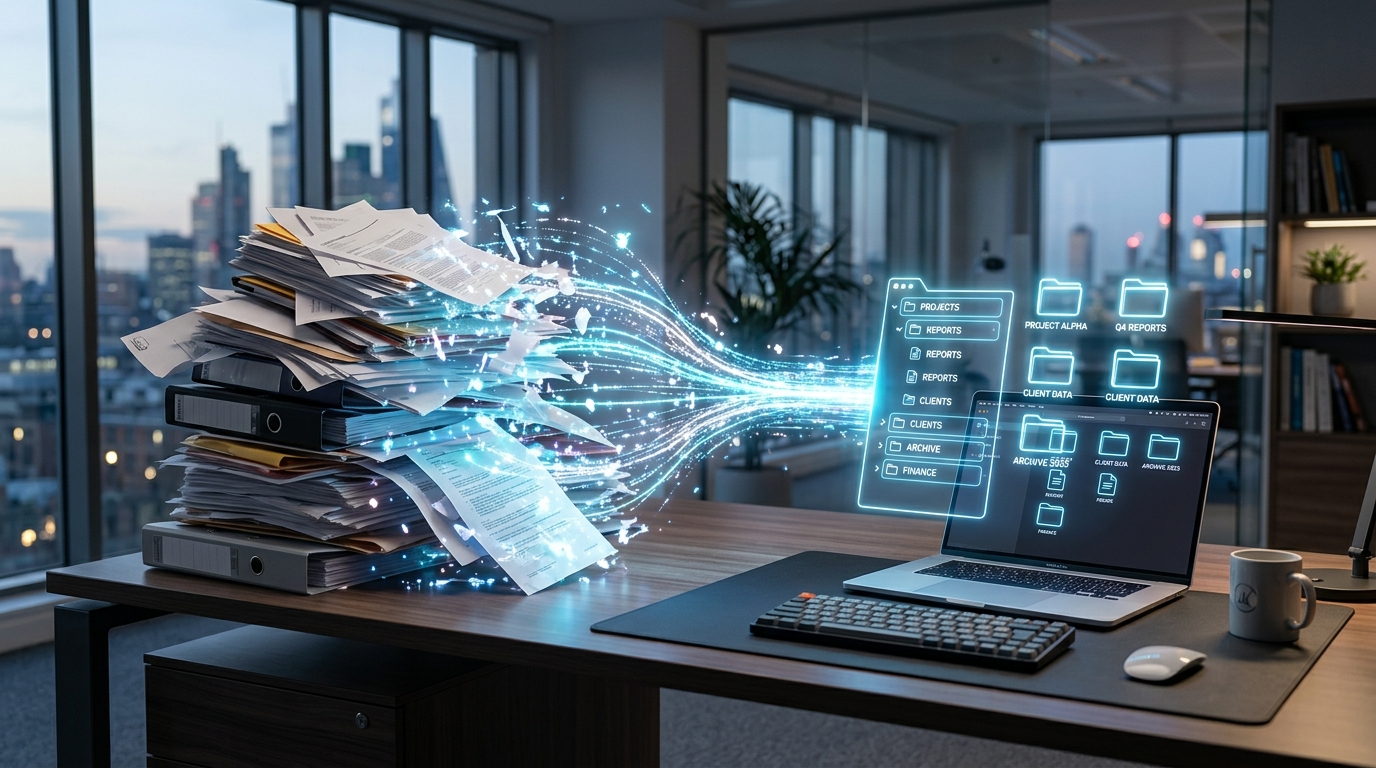
The real-world data told a completely different story. Users weren't looking for a pocket-sized version of Adobe Acrobat. They wanted pure speed. A modern mobile scanning architecture is essentially a high-speed data pipeline that converts raw optical input into standardized, easily sharable formats without requiring user intervention.
Recent UX industry analyses highlight that modern interface trends emphasize a "minimal and silent" design language. People using a mobile device to digitize a contract for DocuSign do not want to navigate six different menus. They want to open the application, capture the page, and get back to their actual job.
Mobile document management requires speed and efficiency in public spaces.
Comparing Architectures: Legacy Capture vs. AI-Native Processing
Let's compare the traditional method of digitizing physical files with what current mobile users actually require to stay productive.
The Traditional Software Approach
In a standard legacy workflow, digitizing paperwork is a highly manual process. You open a generic camera lens tool, snap a picture, and manually crop the edges using clumsy touchscreen sliders. You save that image to your camera roll, open a separate photo to PDF tool, run a manual PDF converter, and finally export the result so you can attach it in Microsoft Word or send it to a client. It is a fragmented, tedious process prone to formatting errors.
The Modern Intelligent Approach
In contrast, modern architecture relies on background processing. You point your device at a document. The software automatically detects the page boundaries, adjusts for poor room lighting, captures the scan automatically when the device is steady, and instantly generates a professional, readable PDF. There is no app switching and no manual file conversion.
This reduction in friction is vital. Performance reports indicate that a significant percentage of smartphone users will abandon an application if the initial task flow is too cumbersome. If your daily routine requires bouncing between three different applications just to act as an invoice maker, you are losing valuable time. Furthermore, global app performance data indicates that artificial intelligence has transitioned from being a strategic novelty to absolute core infrastructure. AI is the silent engine doing the cropping and color correction for you.
Financial Workflows and Economic Efficiency
During our analysis, we noticed a specific surge in user intent around financial and administrative documents. As individuals manage larger portions of their budgets, contracts, and transactions strictly on mobile hardware, the need for a reliable document capture system has skyrocketed.
This trend aligns closely with broader economic realities. Small businesses, freelancers, and independent contractors everywhere are facing external market pressures. To adapt, they are tightening their operational belts. They demand more utility from the technology they already carry in their pockets, deliberately abandoning expensive, bloated software subscriptions. Instead, they favor a highly capable scanner app free of unnecessary complexity and recurring enterprise fees. They need to scan to PDF quickly and accurately to maintain cash flow without adding overhead.
Who Benefits from a Silent UI?
This minimalist, high-speed approach isn't universally applicable. Let’s be transparent about who benefits from this specific architecture and who should look elsewhere.
Ideal User Profiles:
Freelancers and Independent Contractors: Professionals who need to capture expense receipts or process an invoice on the fly to get paid faster.
Students and Academics: Individuals digitizing lecture notes, whiteboards, and textbook pages into searchable formats for late-night studying.
Small Business Teams: Groups that need a reliable way to share simple files, contracts, and proposals on the go without requiring formal IT training.
Who is this NOT for?
If you are an enterprise IT manager looking to integrate bulk barcode processing into a massive warehouse logistics system, or if you need deep backend ERP compliance integrations, this consumer-level architecture will not suit your needs. Scan Cam: Docs PDF Scanner App is deliberately built for the individual professional who needs their phone to function as a standalone, highly efficient digital desk.
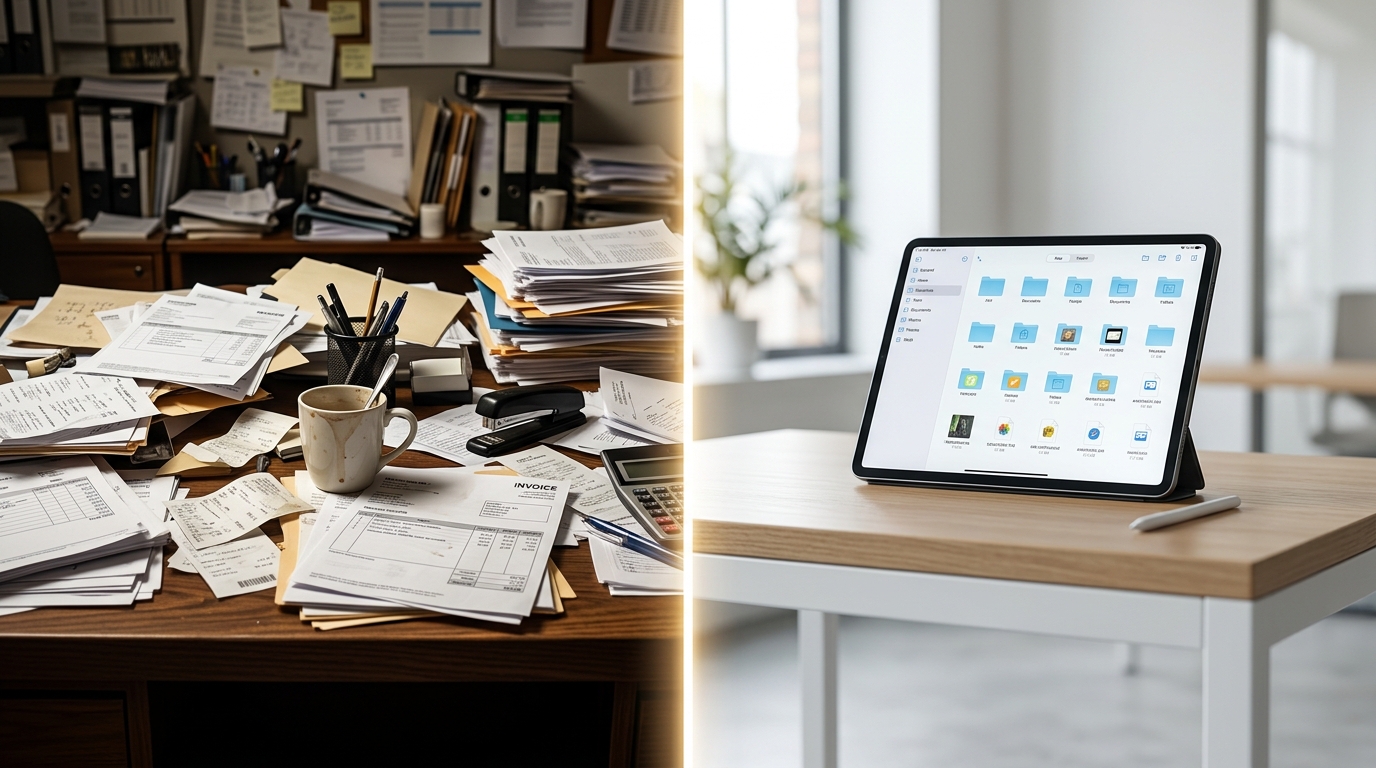
The transition from physical clutter to digital organization should be frictionless.
Practical Criteria for Re-evaluating Your Toolkit
As my colleagues in the industry have often noted, you have to evaluate your digital tools based on real-world friction, not a theoretical feature list. When comparing standard built-in camera functions or generic alternatives like Genius Scan, apply these practical decision criteria:
1. Capture Speed and Automation
Does the application require you to manually define the corners of the page, or does the core infrastructure handle edge detection and perspective correction instantly?
2. Native Output Utility
Can the application natively handle the formatting, or do you still need an external web-based PDF converter to make the text usable in a standard document format?
3. Offline Processing Reliability
If you are traveling, on a secure job site, or in a building with poor cellular reception, can you still process a sensitive document securely without needing an active internet connection to ping a cloud server?
In my background working with fax machines and legacy communication systems, the primary goal was always to make information transfer as reliable as possible. At Codebaker, whether we are building a digital fax platform or a secondary communication line, the underlying principle remains the same: the technology should get out of the user's way. Your mobile scanner should function with that same quiet reliability. It should take the chaotic pile of physical papers on your desk and turn them into organized, professional digital assets with zero friction.
The thousands of scans processed through our architecture taught us to stop building what we thought looked technically impressive and start focusing entirely on what actually saves a professional time. The future of mobile productivity belongs to tools that ask significantly less of the user while delivering consistently accurate results.