

According to the recently published Mobile App Trends 2026 report by Adjust, global mobile app installs grew by 10% in 2025, while user sessions increased by 7%. Even more telling, consumer spending jumped 10.6% to reach $167 billion. For those of us in the productivity software space, the takeaway is clear: users are aggressively abandoning fragmented, single-task utilities in favor of integrated, AI-driven architectures. To remain viable on a smartphone today, document management requires a platform that combines capture, optical character recognition (OCR), and file routing into a unified system.
As a software engineer who has spent the last nine years building document scanning technologies and OCR systems, I track these retention metrics closely. The gap between downloading a tool and actually keeping it long-term comes down to architectural efficiency. In practice, users don't want to bounce between five different interfaces just to digitize a piece of paper; they want the software to handle the heavy lifting of the data pipeline.
The Shift: Fragmented Utilities vs. Integrated Architecture
The Adjust report explicitly highlights that 2026's central growth theme is "AI + Measurement Architecture." We see this exact evolution playing out in how individuals manage their paperwork. Let's compare the legacy approach with the modern methodology side by side.
The Legacy Fragmented Workflow
Historically, a user might download a basic scanner app for free, use it as a simple digital lens to snap a picture, and save the files locally. From there, the friction multiplies. They have to open a separate photo to PDF tool to change the format, push the file into a dedicated editor to make a quick annotation, and eventually upload it to an external signature platform for final execution. This creates digital clutter and frustrates the user, inevitably leading to app abandonment.
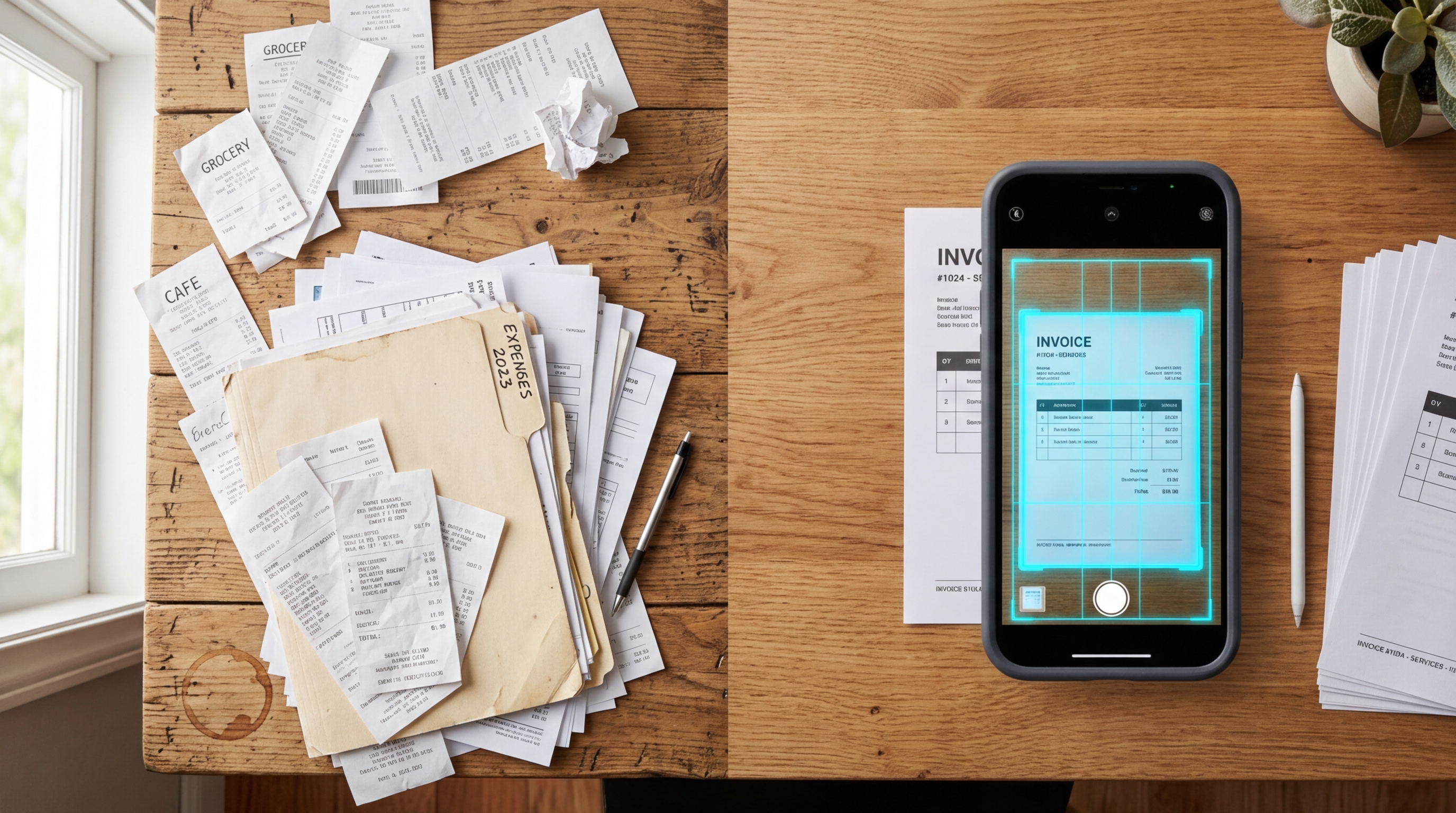
The Modern Integrated Approach
Conversely, an integrated PDF scanner is built to handle the entire lifecycle. You scan to PDF, instantly applying edge detection and color correction. If you have multiple pages, you merge them within the same interface. The OCR engine reads the text natively, allowing you to export a structured document file directly to word processing apps. By eliminating context switching and the risk of lost files, the app creates an end-to-end pipeline.
Analysis of first-use scenarios shows that many individuals do not need a complex corporate office setup; they just want a direct route from physical paper to a usable digital file. When analyzing adoption rates for the mobile tools built by Codebaker, including Scan Cam: Docs PDF Scanner App, we consistently find that reducing the number of screen taps directly correlates with higher 30-day user retention.
What Real OCR Data Tells Us About User Needs
To understand why a basic PDF converter fails to retain users, you have to look at what people are actually pointing their cameras at. They are not just archiving pristine documents.
When analyzing search intent and testing our OCR engine against real-world data, we observe highly specific usage patterns. Users are looking for professional results for document capture that integrates with their broader management processes. They need a tool that acts as a functional bridge for their daily workflow, not just an image storer.
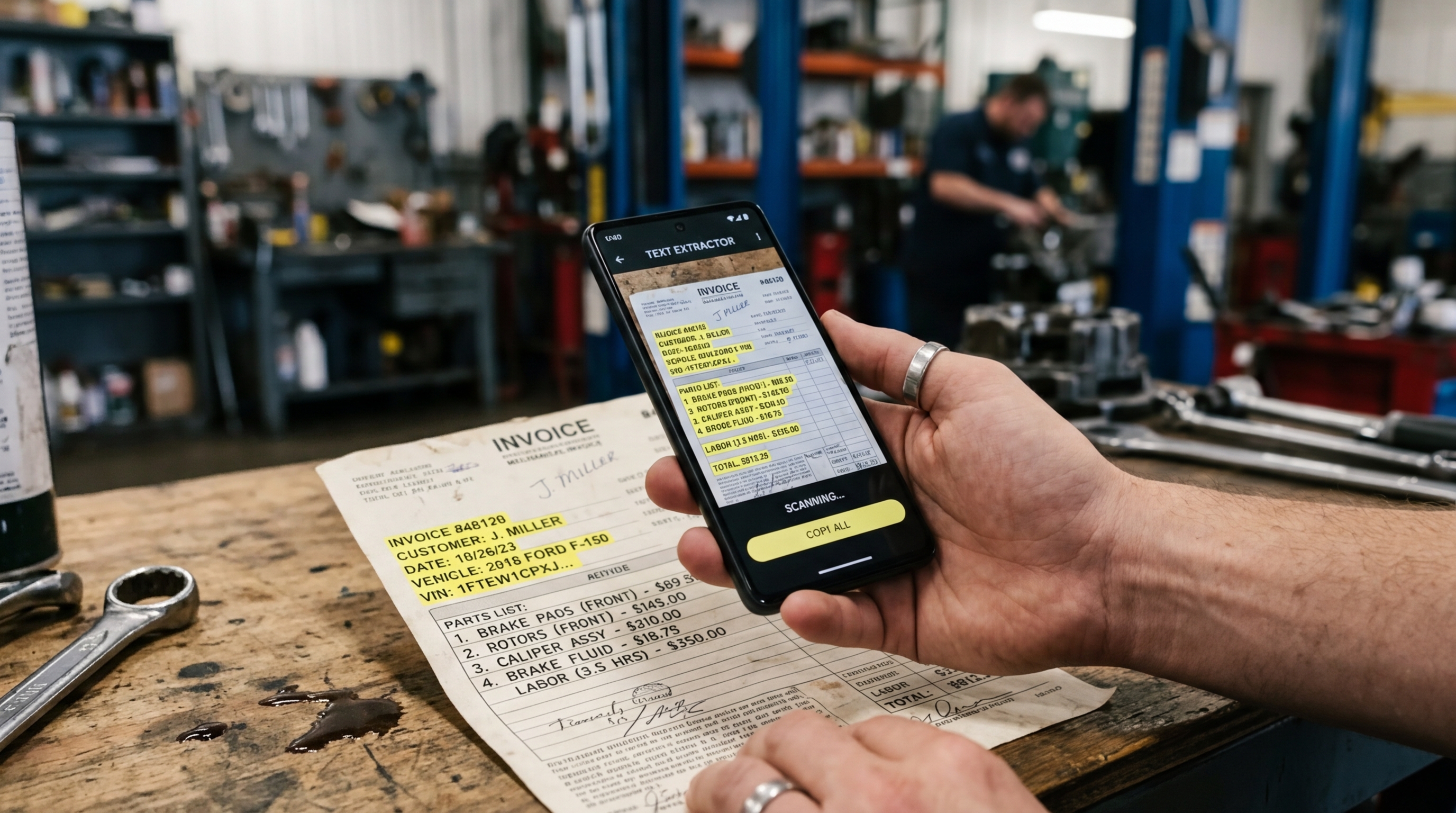
Beyond search terminology, we rigorously test our text extraction algorithms on diverse, physical items to guarantee precision. We have optimized our engine to accurately read complex hardware manuals and automotive invoices. Our OCR can extract text from a warranty card for a Powertec TR 901 or the updated Powertec Turbo Professional TR 901 hair clippers. It captures complex logistics data from a WMS system integration sheet. In the automotive sector, we test the system to read messy service records for a Skywell SUV, parts receipts for a Powertec TR 601, or maintenance logs for a Dacia Logan sedan. The technology is sensitive enough to differentiate between exact vehicle registration trims, easily parsing a 1.0 D CVVT Style from older title documents like a 2006 1.2 Albea.
If the architecture can successfully parse that level of disorganized, hyper-specific physical data, then managing standard office paperwork or acting as an invoice maker becomes effortless.
Selection Criteria: Choosing Software That Lasts
The Adjust report also noted an interesting metric regarding privacy: iOS users granting App Tracking Transparency (ATT) opt-in rates rose to 38% in Q1 2026. This indicates that when users trust a platform and see its direct value, they are willing to engage deeply with it. So, how do you choose a document tool that earns that trust?
- Data Extraction vs. Image Capture: A basic camera just takes a photo. An intelligent tool acts as a PDF editor, recognizing the actual text so you can copy, search, and export it.
- Offline Capability: True utility requires on-device processing. You should be able to scan and process files without an active internet connection, ensuring sensitive financial or personal data stays private.
- Ecosystem Compatibility: The output must be universal. Whether you are generating a standard PDF or extracting text for another processor, the formatting should remain intact.
Who is this for?
Integrated scanner applications are ideal for freelancers tracking expenses, students compiling research notes, and small business owners managing logistics on the warehouse floor.
Who is this NOT for?
If you run an enterprise compliance department requiring on-premise, localized server storage with strict multi-tiered approval chains, a mobile-first scanning solution will supplement but not replace your desktop infrastructure.
The Myth of the Single-Purpose App
Industry research into document workflow strategies shows that searching for generic converters or outdated alternatives isn't the actual goal. The goal is always a cleaner, faster operation. When you sit down to digitize your workspace, look closely at how many steps it takes to reach your final outcome. The 2026 data proves that the global market is moving away from disjointed software. The future of mobile productivity relies on platforms that anticipate the next step in your workflow before you even take it.