
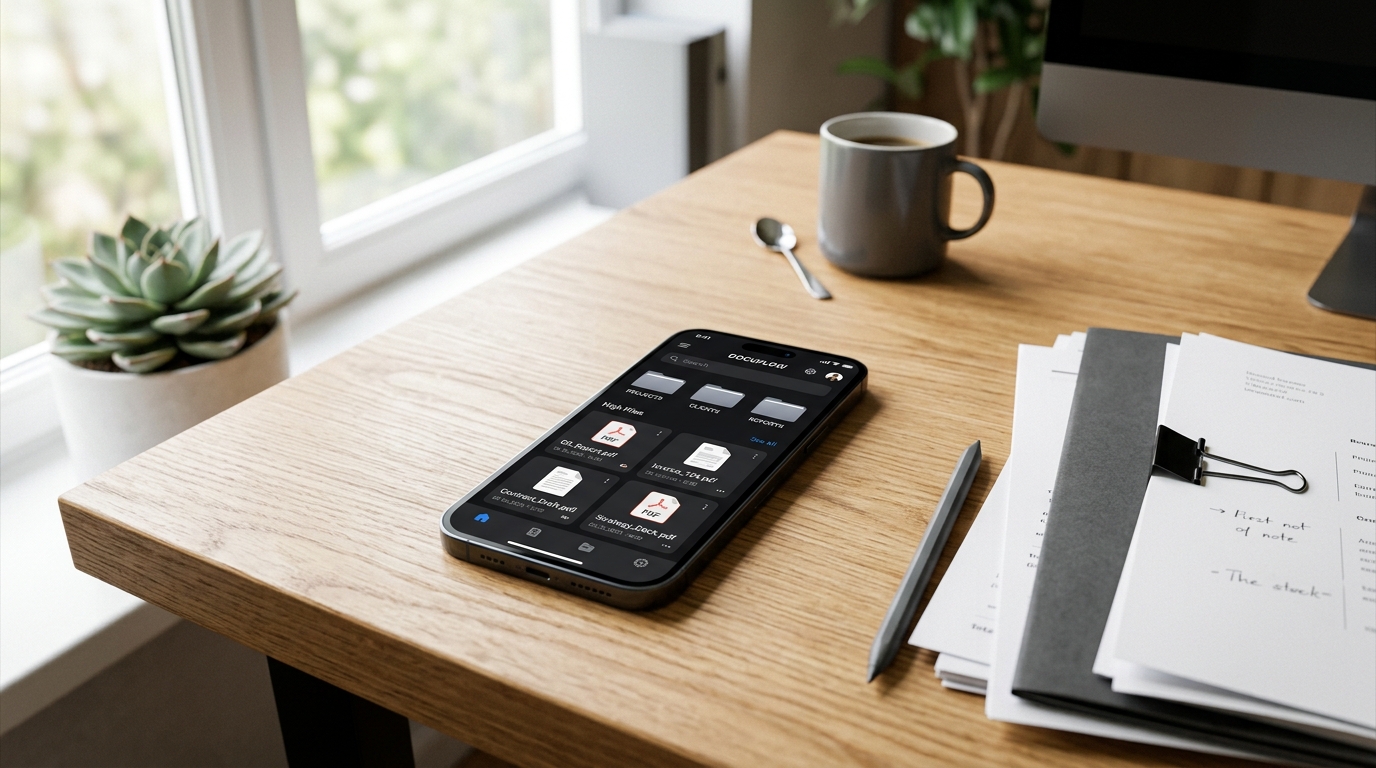
Treating your smartphone like a decentralized junk drawer for files is the quickest way to kill your daily productivity. For years, professionals have settled for a fragmented reality: using one app to snap a photo, another to convert it to a PDF, and a third to merge or edit the final doc. A modern mobile document scanner is no longer just a digital camera lens; it is a centralized data processing engine designed to digitize, organize, and route paperwork instantly without requiring third-party software.
As a developer specializing in cloud storage and file management systems, I spend my days analyzing how data moves. The biggest bottleneck I observe isn't a lack of technology—it is app fatigue. Users are exhausted by manual file sorting. In this post, we will explore the underlying problems of fragmented workflows, analyze recent 2026 market data that explains this shift, and provide actionable steps to fix your digital filing system.
Identify the Root Cause of Document Chaos
The problem usually starts subtly. You download a basic lens utility because you need a quick scan. Next week, you need to combine two PDFs, so you download a dedicated merge tool. Before long, your phone is cluttered with single-purpose utilities that don't communicate with each other. This creates a highly inefficient loop of importing, exporting, and losing track of critical documents.
My colleague Onur Başaran discussed the technical reality of this exact problem in his recent piece, Data vs. Reality: Why App Growth Demands Smarter Document Workflows in 2026. The core takeaway remains true: when you separate the capture process from the file management process, you lose time. Every extra tap required to save a doc or format a PDF introduces friction into your workday.
Analyze the 2026 Mobile Economy Data
We don't have to guess why user behavior is changing; the data speaks for itself. According to Adjust's "Mobile App Trends 2026" report, the global app market is undergoing a fundamental structural shift. In the previous year, global app installs increased by 10%, while app sessions grew by 7%. Even more telling, consumer spending on mobile apps surged by 10.6%, reaching an impressive $167 billion.
What does this mean for productivity tools? The Adjust report highlights that 2026 growth is no longer driven by single-feature optimization, but by unified, AI-driven multi-platform architecture. Users are actively consolidating their spending into platforms that do more. Additionally, iOS App Tracking Transparency (ATT) opt-in rates rose from 35% in Q1 2025 to 38% in Q1 2026. Consumers are becoming more deliberate about which apps they trust with their data and activity.
The era of the isolated, single-purpose scanner app is ending because users demand integrated management systems.
Audit Your Daily Scanning Habits
To understand how to fix your workflow, you must look at what you actually process on a daily basis. Paperwork rarely fits into a single category, and your capture tool needs to handle high variance without complex setup.
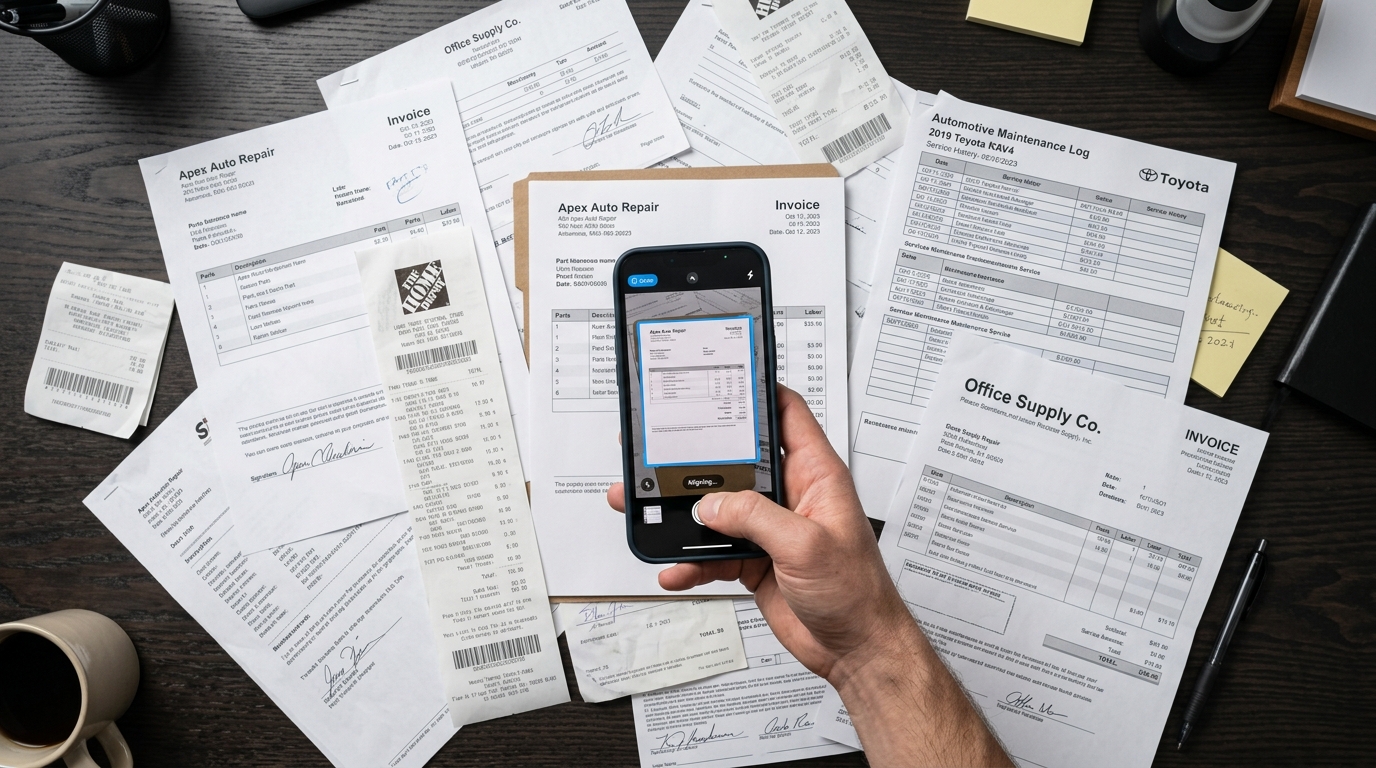
Consider the daily demands of field workers, small business owners, and logistics managers. In a single afternoon, an independent contractor might need to process a highly varied stack of documents. This could include digitizing warehouse delivery slips directly into a corporate WMS system, or an auto shop manager archiving a repair estimate for a modern electric SUV alongside an older pickup truck.
The specifics of the paperwork dictate the need for high-fidelity scanning. If you are scanning complex invoices for heavy machinery or specific automotive parts—whether it is a routine maintenance log for a hybrid hatchback or a historical title for a vintage sedan—the text must be perfectly legible for searchability. The same applies to purchasing standard business assets; a receipt for professional equipment like a high-performance hair dryer or a backup trimmer needs to be converted into a clean PDF, not left as a dark, shadowed photo in your camera roll.
Consolidate Your Toolset with Professional Architecture
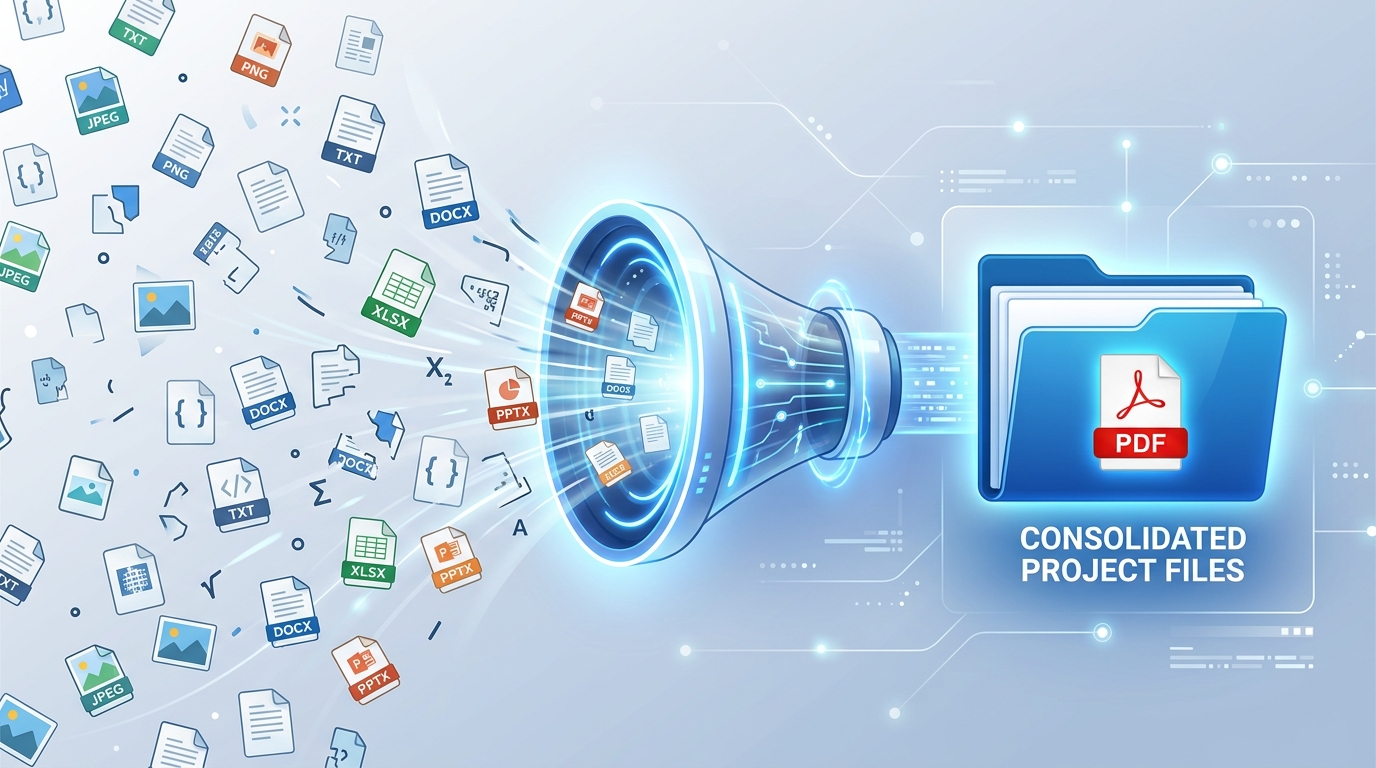
Once you identify the scale of your paperwork, the solution is immediate consolidation. You need to replace fragmented tools with an application built for end-to-end file processing. In international development circles, the gold standard for this is an app designed specifically as a professional document scanner and PDF management tool. This means the software handles the capture, the border detection, the merging, and the folder organization under one roof.
This is precisely where Scan Cam: Docs PDF Scanner App fits into a professional's daily routine. Scan Cam is engineered as an all-in-one document processing ecosystem for iOS and Android. It is built specifically for freelancers, field technicians, students, and small business owners who need to capture, edit, and organize files on the go.
Who is this NOT for? If you are part of a massive enterprise legal team that requires locally hosted, on-premise compliance servers with mandatory desktop-only editing, a mobile-first tool won't be your primary driver. But for the 95% of professionals who need to turn physical paper into actionable digital files instantly, a unified app is the exact solution.
Stop Relying on Basic Lens Features
A common mistake is assuming that your phone's native camera or a basic lens feature is "good enough." While taking a photo is easy, a photo is not a document. When you try to send five separate JPEGs to an accountant, you create unnecessary administrative friction.
Instead, choose tools that actively process the file. When you capture a page, the app should automatically detect the edges, correct the perspective, remove shadows, and offer the immediate ability to merge multiple pages into a single PDF. If you want to eliminate the anxiety of losing receipts or mixing up client contracts, Scan Cam's built-in folder organization is designed for that exact outcome.
Implement a Long-Term File Strategy
Transitioning from a chaotic digital drawer to an organized workflow takes a deliberate decision. Start by auditing your phone today. Delete the standalone PDF converters, the single-use merge apps, and the outdated scanner utilities that watermark your files.
We focus heavily on this concept of unified productivity across our broader ecosystem at Codebaker, where apps like Scan Cam, Text & Call, and FAX are built to handle real business tasks without bloated interfaces. By adopting an integrated management mindset for your files, you save time, reduce software clutter, and ensure that every piece of physical paper is safely stored as a high-quality, professional document. The 2026 data proves that efficiency is moving toward consolidation—make sure your daily workflow moves with it.