

According to the recent Mobile App Trends 2024 report by Adjust, global application installs have increased steadily, pushing consumer spending to approximately $171 billion. Yet, this growth in mobile reliance hides a hard truth in software retention: industry data shows that approximately 70% of users will permanently delete a slow, unresponsive, or fragmented app after just one attempt. As a software engineer who has spent the last nine years building document scanning technologies and OCR (Optical Character Recognition) systems, I see this frustration firsthand. People expect instant digitization, but they often approach their daily paperwork with tools that simply cannot handle the load.
At its core, a professional document scanner and PDF management tool is an application that uses your device's camera to capture physical paper, applies automated edge detection and contrast adjustments, extracts the text to make it selectable, and packages it into a standardized digital format. When this process is fragmented across multiple uncoordinated apps, productivity grinds to a halt. In this guide, I will walk you through exactly how to evaluate your current setup, identify the hidden time sinks in your routine, and adopt a more intelligent approach to handling your files.
Assess the True Cost of Your Digital Paperwork
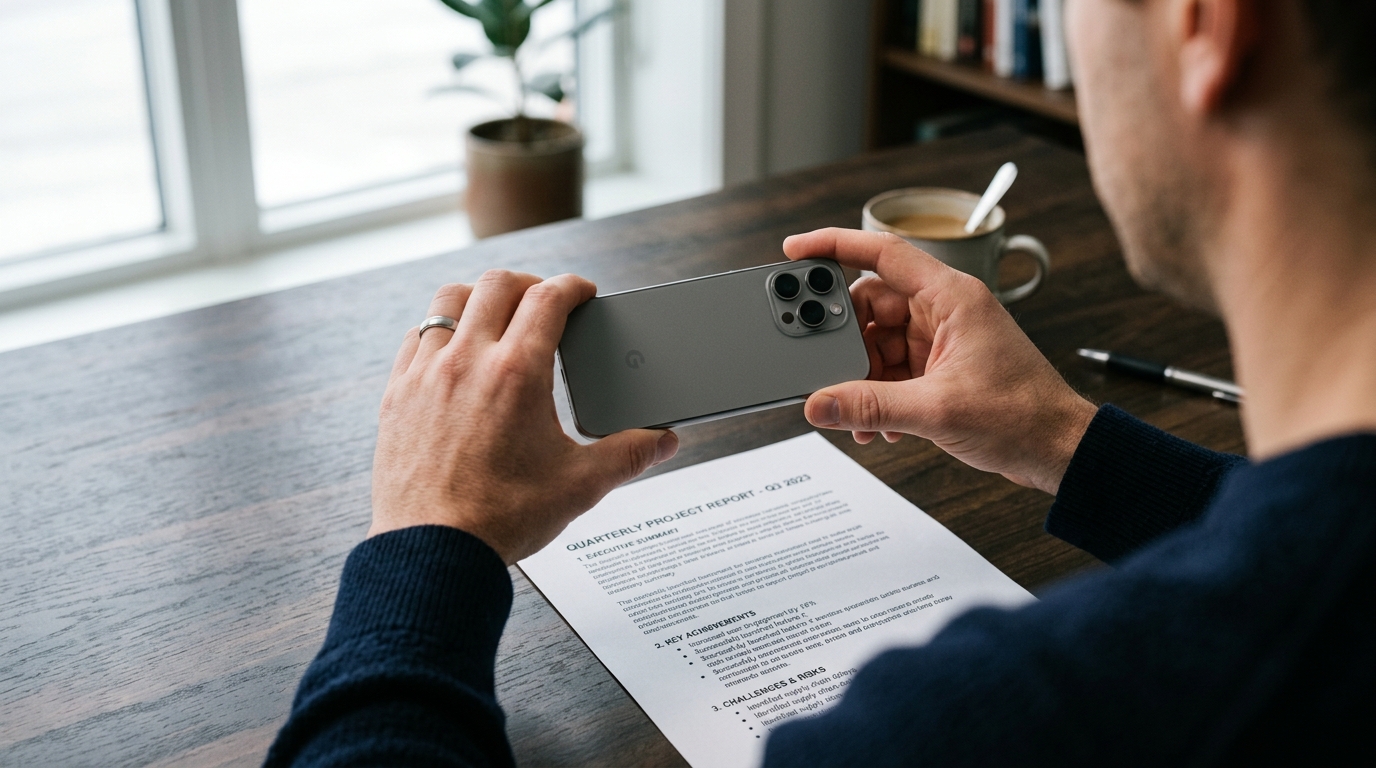
Most people realize their workflow is broken only when they are rushing to meet a deadline. You might grab your phone to capture a signed contract, snap a quick picture, and assume you are done. But a raw image is virtually useless in a professional context. When you attempt a basic photo to pdf conversion without proper processing, the resulting file is usually bloated in size, shadowed by the camera device, and entirely unsearchable.
The difference between a raw image and a processed document is the difference between a scattered memory and a functional asset. I have observed thousands of user sessions where individuals search desperately for a scanner app free of watermarks, only to find that the basic lens feature on their device lacks proper text extraction capabilities. They end up with a flat doc that cannot be edited or parsed by text-reading software. If you routinely handle important files, relying on the native camera gallery to organize your paperwork is a guaranteed way to lose critical information.
Consolidate Your Files Instead of Switching Apps
The most common mistake I see professionals make is building a "Frankenstein" workflow. They use one tool to scan a page, export it to their desktop to use Microsoft Word for structural edits, pass it through an online PDF converter to lock the formatting, open an external PDF editor to adjust the margins, and finally upload it for a signature. This constant context-switching is where data gets lost and formatting breaks down.
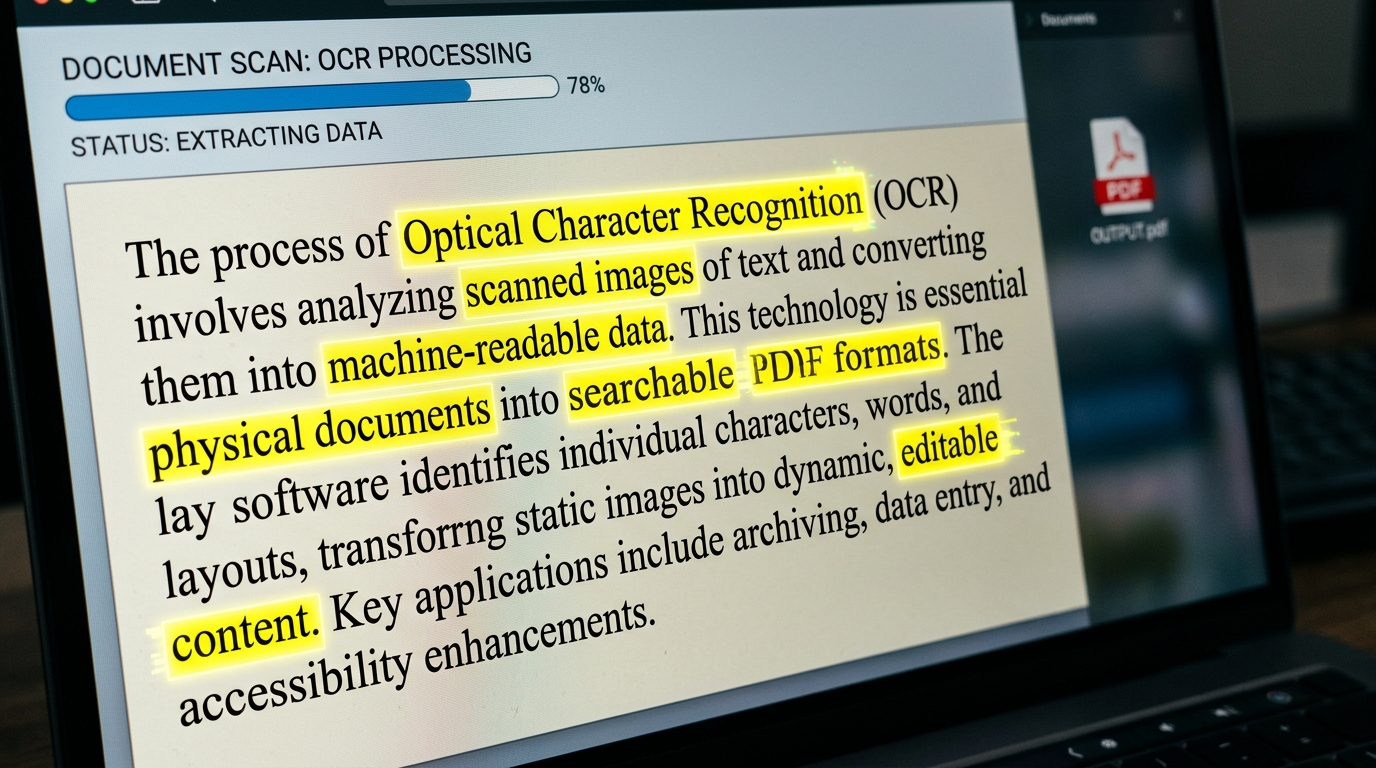
While standalone tools like Adobe Acrobat or Genius Scan serve specific purposes, modern mobile productivity demands unification. Industry experts like Cem Akar have noted in detailed analyses of mobile document architecture that relying on isolated apps for individual steps destroys efficiency. You need an environment where capturing, adjusting, and exporting happen within a single interface. When you use a dedicated PDF scanner, the software should ideally handle the OCR processing immediately upon capture, allowing you to merge multiple pages into a single cohesive file without routing the data through third-party servers.
Capture Real-World Details with Precision
To understand why capture quality matters, we have to look at the specifics of everyday record-keeping. Consider a freelance mechanic or a small business owner tracking their operational expenses and inventory. They frequently act as their own invoice maker, generating bills for complex repairs. One day, they might be scanning a multi-page supplier invoice for parts fitting a Ford F-150 or a 2012 Honda Civic. The next day, they might need to digitize the lease agreement for a modern Rivian R1S or record the maintenance logs for a V6 EcoBoost engine.
This same principle applies to service professionals tracking equipment warranties. A salon owner purchasing professional tools like a Wahl Professional 5-Star Cordless Senior clipper, an Andis Master clipper, or a Dyson Supersonic Professional hair dryer needs those receipts perfectly legible for tax purposes. Even personal paperwork, like the bill of sale for an old 2006 Honda Civic, requires strict document retention. If your scanning software fails to detect the faded ink on a thermal receipt, or if it poorly crops the edges of an A4 page, those records become useless during an audit. High-quality OCR ensures that when you search your archives months later for a specific part number or vehicle model, the text is actually recognized and retrieved.
Choose Architecture Over Single-Feature Gimmicks
When selecting your core application, it is vital to establish clear decision criteria. First, evaluate the application's offline capabilities. Data indicates that iOS users granting tracking permissions (the ATT opt-in rate) rose significantly through 2024. This means privacy awareness is increasing; users are becoming more selective about where their data goes. A reliable scanner should process your sensitive documents locally on your device rather than uploading unencrypted photos to a remote cloud just to run an OCR script.
Second, look at the merging and batch-processing features. Can you scan twenty pages rapidly, or do you have to confirm and save each photo individually? If you want to eliminate the friction of batch processing and formatting, Scan Cam: Docs PDF Scanner App's intelligent file management is designed for exactly that. It handles the alignment and lighting corrections automatically in the background.
Adopt Integrated PDF Management for Real Productivity
It is important to clarify who benefits most from an integrated mobile architecture. This approach is built specifically for freelancers tracking expenses on the go, university students organizing semester notes, and small agile teams managing client contracts. It is strictly not for enterprise IT departments looking to run server-side bulk processing on thousands of legacy archives. For the individual professional, however, having a unified command center for paperwork is a necessity.
Stop settling for the built-in lens features that just take pictures of paper. Move beyond the habit of emailing yourself a scan to pdf draft just so you can open it on a larger screen. By investing a few minutes into setting up a proper digital capture tool today, you protect the integrity of your files and reclaim hours of wasted administrative time down the road.