
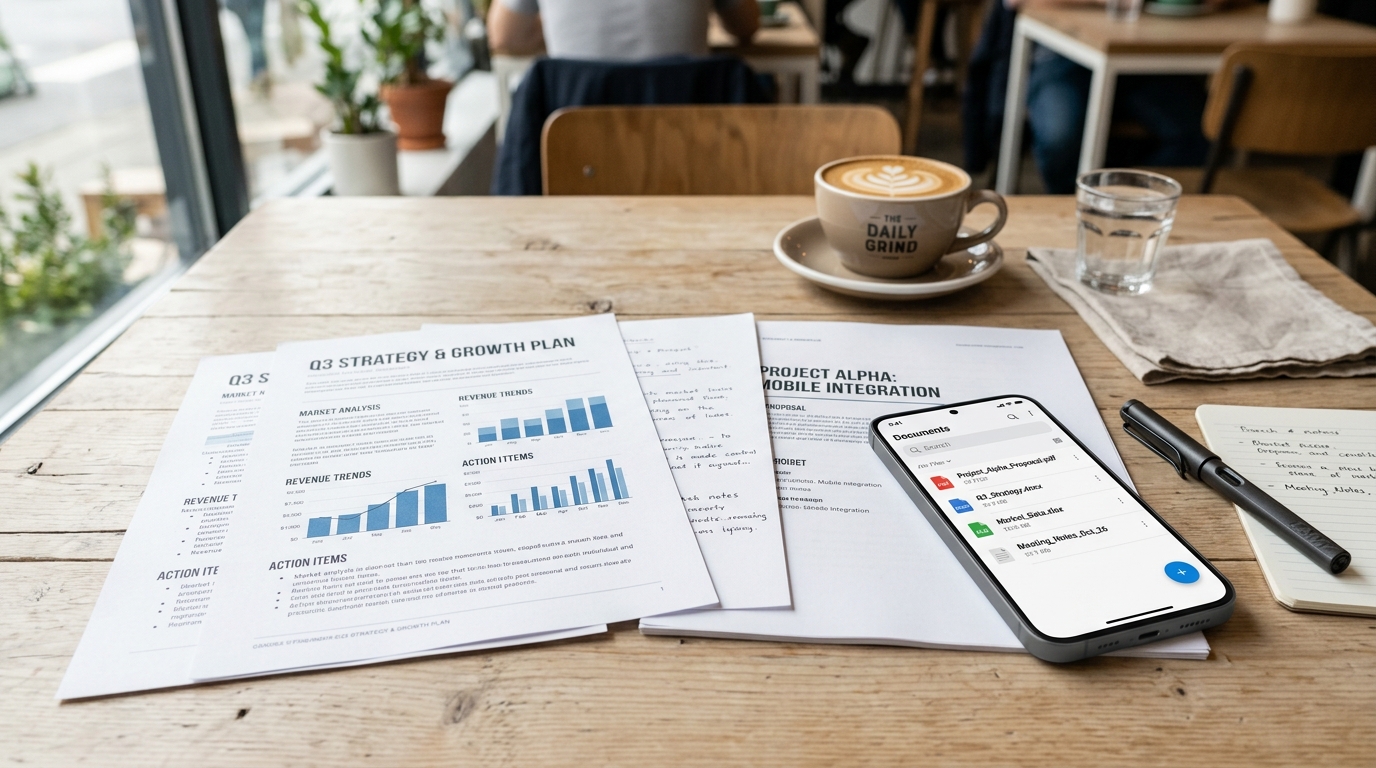
Picture a freelance consultant wrapping up a client meeting at a local coffee shop. They have five pages of signed non-disclosure agreements, a couple of handwritten architectural sketches, and a faded taxi receipt. They pull out their smartphone, snap photos of each page, and then the tedious digital friction begins. They open a basic photo gallery to manually crop out the table edges, switch to a separate browser-based tool to convert the JPEGs into documents, and finally attempt to compress the massive files to send via email. Ten minutes later, they realize page three is upside down. This fragmented, multi-step process is exactly how most professionals still handle mobile paperwork.
Today, professional document management requires more than taking a flat digital picture; it demands an integrated system that automatically captures, categorizes, and combines multiple pages into a single, highly optimized file. Scan Cam: Docs PDF Scanner App is a professional document scanner and PDF management tool built for iOS and Android that handles this entire pipeline locally on your device, eliminating the need to bounce between third-party editing software and web converters.
Understand the Shift in Modern Mobile Workflows
In my experience building cloud storage infrastructure, I’ve spent years observing how users interact with their mobile files. For a long time, professionals accepted that mobile tasks would inherently be clunkier than desktop workflows. That tolerance has completely evaporated as the line between mobile and desktop productivity blurs.
Recent industry data confirms this behavioral shift. According to the Adjust Mobile App Trends report, global application sessions have seen steady growth, with overall installs increasing as users migrate complex tasks to their phones. But the most critical insight from this research is how underlying technology is being utilized: artificial intelligence has officially transitioned from a novelty to basic operational infrastructure. The report highlights that growth is no longer driven by superficial features, but by integrated measurement architectures and AI-assisted workflows running efficiently in the background.
As Onur Başaran detailed in his recent analysis of app growth and document workflows, modern mobile users expect their tools to do the heavy lifting automatically. They do not want to act as manual file managers.
Compare Traditional Capture vs. Integrated Architecture
To understand why a dedicated PDF scanner matters, we need to compare the two dominant approaches to digitizing physical media on a mobile device.
The Traditional Fragmented Method
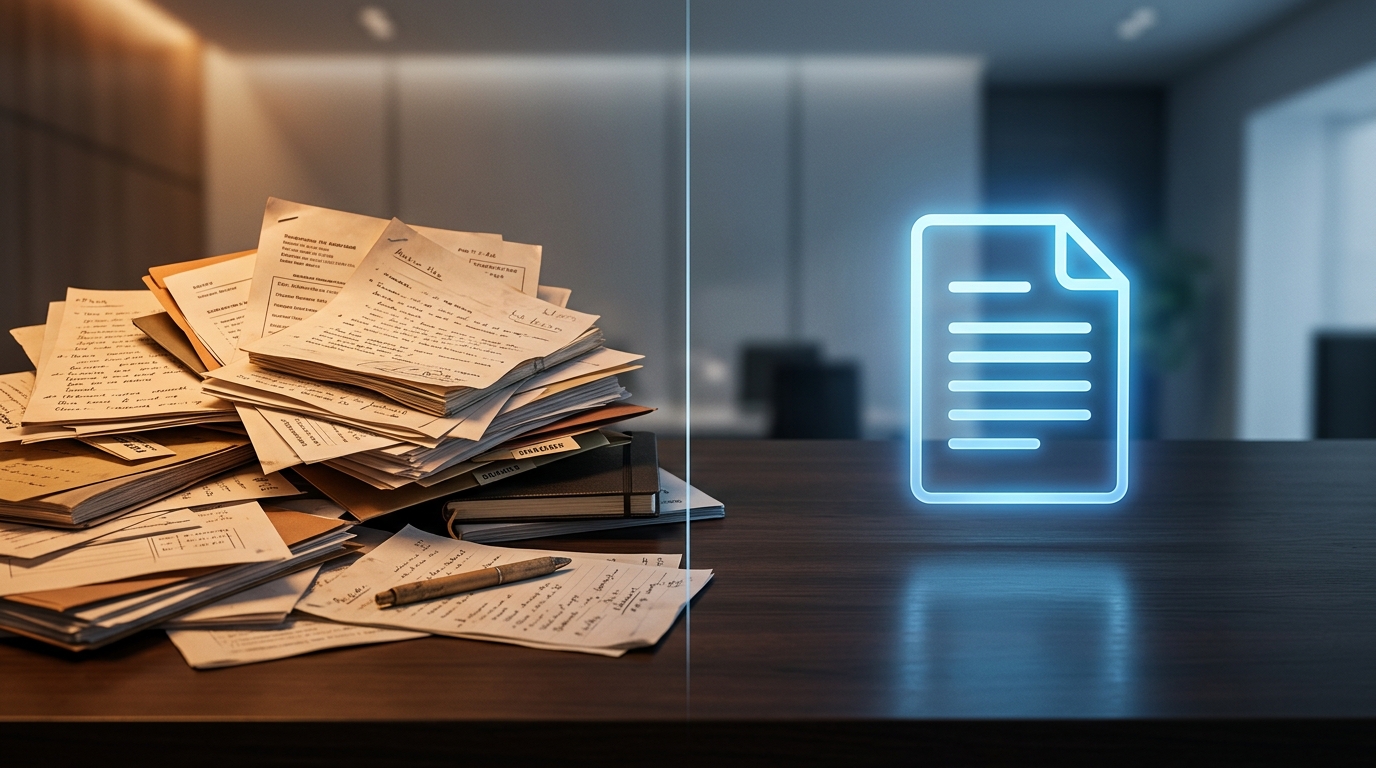
Using a native phone camera or a basic photo lens feature, the user takes pictures of paperwork. The output is a series of heavy image files. To make them usable, the user must rely on a separate photo to PDF utility. If they need to reorder pages or fix contrast, they have to export the file to a heavy desktop program like Adobe Acrobat or find an independent PDF editor. Every step degrades the file quality and wastes time.
The Integrated Smart Merge Architecture (Scan Cam Approach)
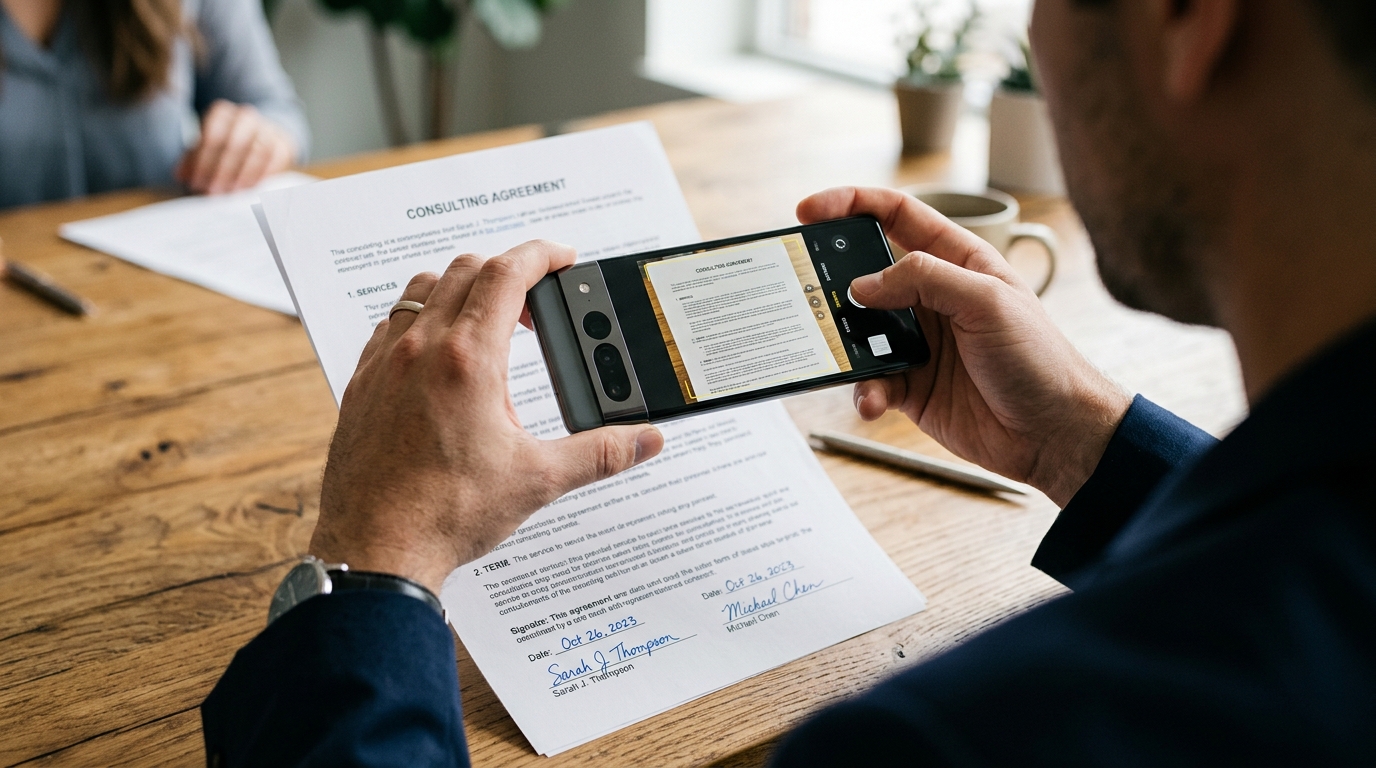
Instead of taking static photos, the user activates an intelligent capture stream. The scanner detects document boundaries in real-time, instantly cropping out background clutter. As the user captures successive pages, the newly improved Smart Merge feature automatically compiles them into a single continuous PDF. Edge detection, perspective correction, and shadow removal happen simultaneously. There is no need for a separate PDF converter because the capture and compilation occur in the same environment.
Identify Who Actually Needs Automated File Management
Not every piece of software is right for every person. Building reliable infrastructure means understanding exactly who benefits from the system.
Who this workflow is for:
- Freelancers and Consultants: Professionals who handle client contracts and need to send a clean scan to DocuSign without returning to a home office.
- Small Business Owners: Teams tracking physical expenses or using an invoice maker who need lightweight, organized digital records for accounting.
- Students and Researchers: Individuals capturing dozens of library book pages who need a reliable way to merge files quickly for study reference.
Who this is NOT for:
If you are an enterprise archivist digitizing thousands of fragile, historical bound books daily, a mobile application is not your primary tool. You need dedicated flatbed hardware and specialized archival software. However, for everyday business agility, relying on hardware scanners is an unnecessary bottleneck.
Implement Smart Features Without Losing Control
One major flaw with many automated tools is that they lock you out of the process. You scan a doc, the software guesses the layout, and if it makes a mistake, you cannot fix it. A professional scanner app should be free from these rigid limitations, allowing for manual overrides.
When you use the scan to PDF function in Scan Cam, the initial processing is automated. However, you retain full editorial control over your documents before saving. If a lighting glare obscured a signature, you can adjust the contrast manually. If you need to append an extra file later, the infrastructure allows you to inject new pages into an existing document without breaking the format.
This level of control is crucial when handling sensitive files. Moving a contract into Microsoft Word for redlining, or preparing a final copy to share securely, demands precision. When the foundational capture is clean, subsequent actions—like text extraction or signature placement—become significantly more reliable. It outperforms the legacy experience of using older tools like Genius Scan because the focus is on the entire lifecycle of the file, not just the initial capture.
Avoid These Common Mobile Conversion Mistakes
Through analyzing thousands of document pipelines, I see the same recurring errors that corrupt files and slow down remote work.
First, avoid using screenshots as official records. Taking a screenshot of an email or a digital receipt reduces the resolution drastically. When that screenshot is eventually run through a converter, the text often becomes illegible when printed. Always opt to export the native file or use a dedicated capture tool designed for high-resolution text.
Second, stop ignoring file size optimization. Sending a 40MB email attachment because you took raw, uncompressed photos of a 10-page contract will often result in server bounces. A professional system will automatically optimize the final output, balancing crisp readability with manageable bandwidth.
Third, do not trust sensitive information to temporary, ad-heavy web portals. Uploading proprietary client data to a random website just to combine two files is a security risk. Keep your processing local. As developers within the Codebaker ecosystem, we prioritize on-device processing specifically to mitigate these privacy vulnerabilities.
Building a better workflow isn't about downloading more apps; it is about choosing one comprehensive framework that respects your time. By moving away from fragmented steps and embracing intelligent, integrated file management, you can stop fighting your paperwork and focus on the actual work at hand.