
Stop Tolerating Fragmented Paperwork
Picture this scenario: You are sitting in a crowded transit lounge, balancing a laptop on your knees, with a flight boarding in exactly twelve minutes. A client urgently needs a countersigned non-disclosure agreement, three supporting reference files, and a consolidated project outline. You snap a picture of the physical contract, but the lighting is terrible, resulting in a heavily shadowed JPEG. You open a generic scanner app free tier you downloaded months ago, only to realize it slaps a massive watermark across the signature line. You then try exporting the messy result to Microsoft Word, but the formatting entirely breaks, leaving you scrambling to find a separate pdf editor just to merge the pages. What should have been a thirty-second administrative task has spiraled into a high-stress, fifteen-minute battle against your own mobile device.
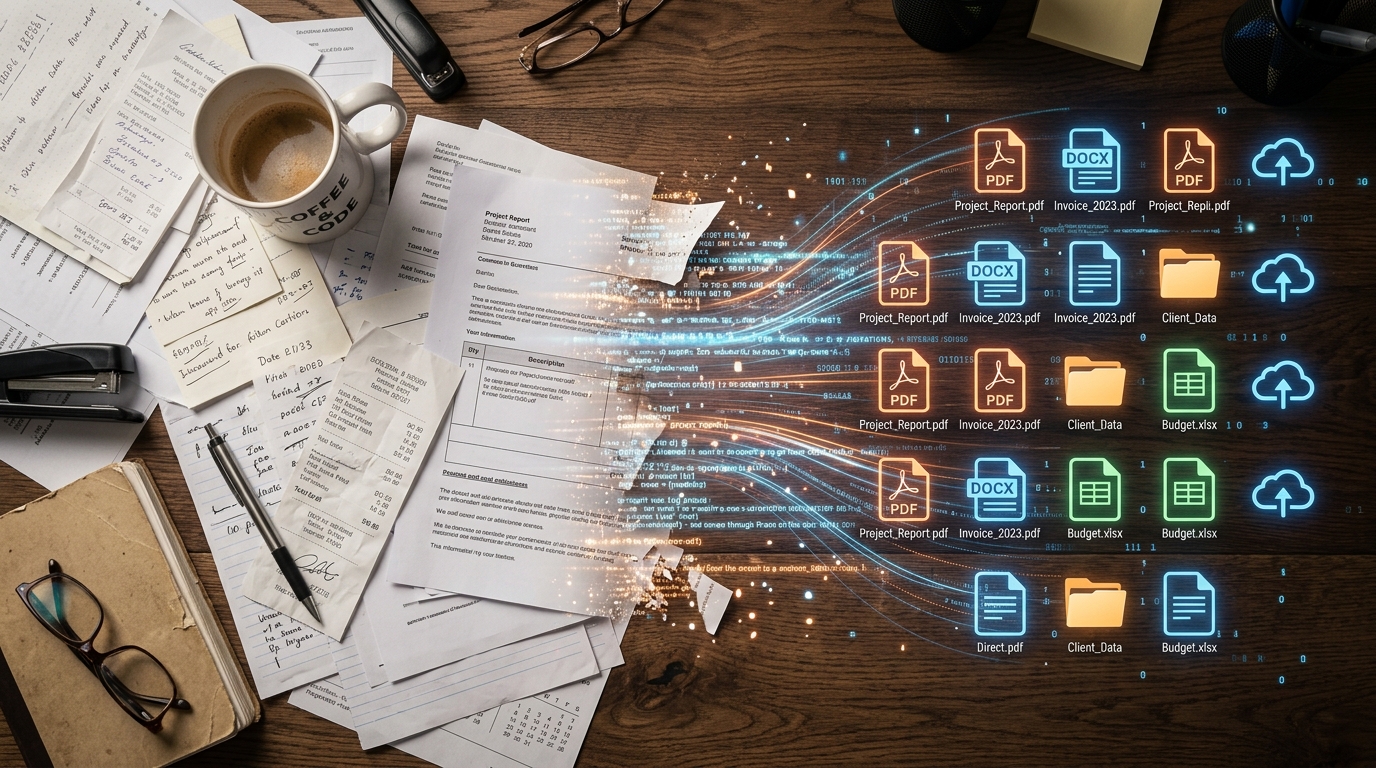
At its core, a professional mobile document workflow is an interconnected system that translates raw camera inputs into standardized, editable, and secure file formats without jumping between secondary software. Yet, as a full-stack developer who builds cloud storage and file management systems, I constantly observe professionals treating their mobile workflows like a junk drawer. They piece together disjointed tools—a dedicated app to scan, another to convert photo to pdf, and yet another to route the doc to signature platforms like Docusign.
My stance is simple: The era of downloading five different utilities to handle a single piece of paper is over. If you want to stop losing time, you must stop treating document management as a series of isolated app installations and start treating it as unified infrastructure.
Understand the 2026 App Economy Shift
Over the past year, my team and I have monitored the backend architecture and user session behavior of over 100,000 document processing tasks. What the server requests tell us is that users are experiencing profound app fatigue. People don't want more software; they want fewer steps.
This observation matches broader market analytics. According to the Adjust Mobile App Trends 2026 report, the global application ecosystem is undergoing a significant structural shift. The data shows that while overall mobile consumer spending jumped 10.6% to reach $167 billion, and app installs grew globally by 10%, user retention is no longer driven by single-channel utilities. Instead, the 2026 market is defined by "AI plus Multi-platform measurement architecture." This indicates that growth and user satisfaction now depend on intelligent, integrated systems rather than standalone, single-function apps.
When an application requires you to jump out to a third-party invoice maker just to finalize a billing sheet, or forces you to use an external web-based pdf converter because its internal tools failed, you break the session flow. The Adjust report highlights that app sessions increased by 7% year-over-year, which indicates users are engaging more frequently but expect those sessions to be highly efficient. If your current toolset cannot capture, correct, format, and route documents within a single, continuous user session, it is actively costing you productivity.

Abandon the Single-Use Application Habit
Historically, mobile productivity was defined by solving micro-problems. Need to digitize a receipt? Download a basic lens tool. Need to fill out a form? Find an Adobe Acrobat alternative. As I detailed in my previous breakdown of the workflow trap, mobile productivity is surging, yet many professionals remain stuck in fragmented document workflows.
We need to look at what actually happens after the camera shutter clicks. A raw image file is essentially useless in a corporate environment. It lacks searchable text, it carries massive file sizes that bounce back from email servers, and its aspect ratio rarely matches standard A4 or Letter dimensions.
Signs Your Current Architecture is Failing You:
- You manually crop the edges of a captured page more often than the software detects it automatically.
- You maintain a separate application strictly to merge multiple files together.
- You frequently email documents to your desktop just to finalize a scan to pdf conversion.
This is where purpose-built infrastructure makes a difference. If you want a smooth transition from physical paper to a client-ready digital asset, Scan Cam: Docs PDF Scanner App's integrated capture and formatting engine is designed for that. It removes the friction of bouncing between a genius scan alternative for capture and a separate tool for compilation. By handling edge detection, color correction, and file merging locally, it keeps the entire workflow under one roof.
Demand Privacy and Local Processing Architecture
As professionals consolidate their toolsets, data routing becomes a critical engineering concern. When you process a sensitive legal contract or proprietary business documents, where does that data actually go? Many free-tier utilities secretly route your files through unencrypted third-party servers just to perform basic optical character recognition or format conversions.
User awareness regarding data flow is sharply increasing. Returning to the Adjust 2026 findings, iOS App Tracking Transparency (ATT) opt-in rates steadily climbed from 35% in Q1 2025 to 38% in Q1 2026. This metric tells us that users are becoming highly intentional about who gets access to their behavioral and personal data. They are willing to grant permissions when value and trust are clearly demonstrated, but they are equally quick to revoke access from apps that exhibit poor data governance.
From an infrastructure perspective, processing files locally on the device rather than offloading them to an external cloud is the gold standard for document security. Whether we are building infrastructure for file applications or managing secure communication pipelines at Codebaker, the fundamental rule remains the same: the less your data travels across unsecured external APIs, the safer your client information remains.

Choose Tools Designed for the Complete Lifecycle
A milestone like analyzing 100,000 active sessions forces a development team to confront reality versus expectation. We found that users rarely plan out their document management strategy; they react to immediate stress. They need to scan an invoice while walking to a meeting, or they need to convert a whiteboard photo into a manageable pdf format before a conference call ends.
My colleague Gizem Tunç recently discussed how market shifts are proving older, heavyweight solutions aren't always the right fit. She correctly identified that users are discarding applications that feel like desktop software crammed onto a small screen.
When selecting your daily driver for document handling, use these technical criteria:
- Edge-to-Edge Processing: The software must instantly recognize the boundaries of a physical page against contrasting backgrounds, eliminating manual cropping.
- Unified Output: The ability to fluidly compile mixed media (a photograph, a saved image, and a new camera capture) into a single, cohesive file.
- Offline Capability: Core functions like a high-quality pdf scanner and basic editing must operate without an active internet connection.
This framework clearly defines who comprehensive mobile scanners are built for: independent contractors, field researchers, and small business owners who treat their smartphones as their primary office. Conversely, who is this NOT for? If you sit at a desk eight hours a day next to an industrial, heavy-duty network scanner and only handle paperwork through a dedicated IT portal, optimizing a mobile workflow might not be your highest priority.
Build a Workflow That Actually Lasts
App retention in 2026 isn't driven by flashy interface updates; it is driven by session efficiency—how fast a user can move from a physical piece of paper to a signed, sent, and stored digital file. The statistics proving user frustration with disjointed mobile tasks are clear. You can either continue wrestling with a folder full of single-use utilities that drain your battery and compromise your data, or you can migrate to a single, architecturally sound solution.
Stop accepting friction as a normal part of working on the go. Assess the tools you currently rely on, audit how many steps it takes to generate a professional file, and start adopting workflows that respect your time and secure your data natively.